

Google on just now launched the reading mode in Chrome for PCs and mobile devices. However, this feature is far from new. It exists in the original Microsoft Edge, Mozilla Firefox, and Safari, and now it is also available on the Chromium-based Edge.
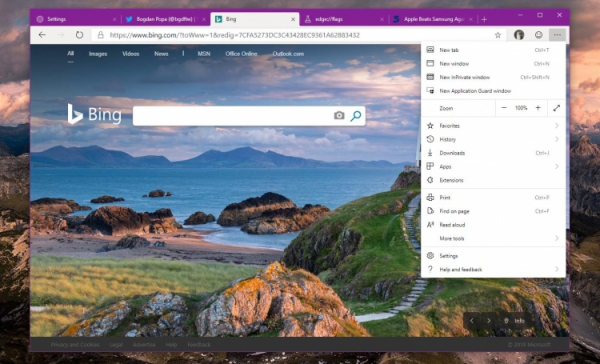
Microsoft wants its new browser to include this feature from the start and has already added it to Microsoft Edge Canary. This will simplify reading long texts, as the mode will cut out unnecessary graphical elements, ads, and so on.
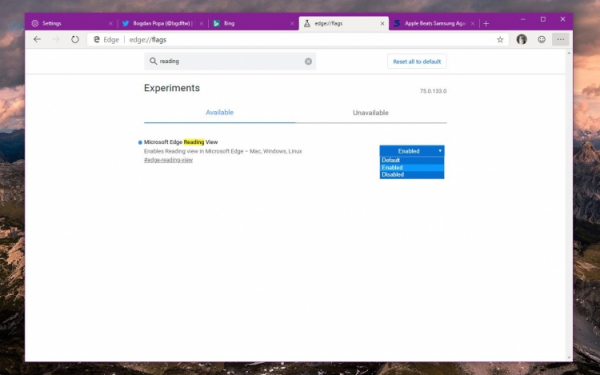
By default, this mode is disabled, but it can be easily activated. Here’s how:
- Type in the address bar edge://flags.
- Find the Microsoft Edge Reading View flag.
- Change its mode from Default to Enabled.
- Taaskäivitage brauser.
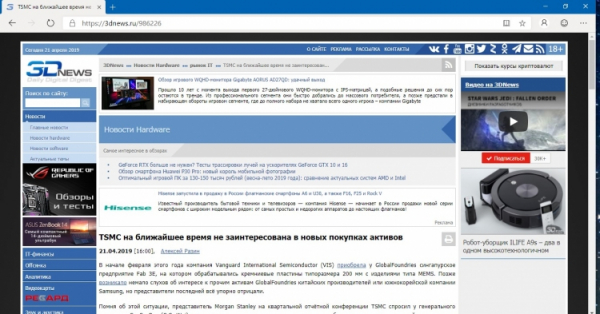
After this, you will see a book icon in the address bar, clicking on which will switch the browser to reading mode for that site. It is important to note that the mode works with limitations. On the homepage of 3dnews.ru, there is no icon, but if you open a publication, it appears. Apparently, the system tracks the minimum amount of text required to activate the mode.

It is naturally important to remember that this feature is still in preview testing for Microsoft Edge, so it may take some time before it moves to beta versions and stable builds. This should happen by the end of this year, although the company hasn’t given an exact date yet.
Allikas: 3dnews.ru
