

After four months of development, the KDE Plasma 6.6 desktop environment has been released. To evaluate the new KDE releases, you can use builds from KDE projects. Linux, KDE Neon and openSUSE (Argon, based on openSUSE Leap, and Krypton, based on openSUSE Tumbleweed). 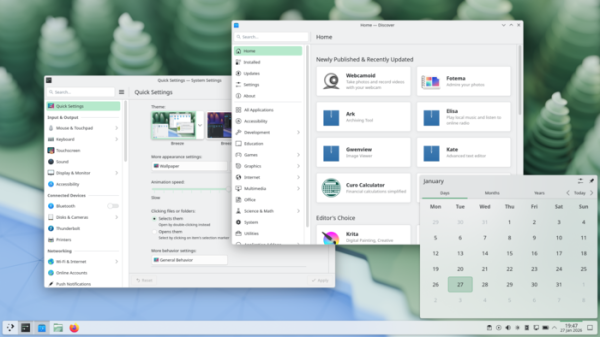
Key changes in KDE Plasma 6.6:
- A new login manager, Plasma Login Manager, has been added. It is being developed to replace the Simple Desktop Display Manager (SDDM) and addresses its specific architectural issues. Plasma-login-manager uses a backend based on a stripped-down version of SDDM and a launch mechanism identical to that used to launch a KDE Plasma desktop session. The login screen design has been brought closer to the existing KDE screen locker, and the settings have been unified with KDE Plasma. Instead of using QML for theme customization, it is proposed to use existing Plasma plugins for desktop wallpapers, color schemes, and themes.
The Plasma Login Manager relies on the systemd-logind service and only works on systems with systemd. However, KDE developers have stated that the KDE Plasma desktop environment itself remains independent of systemd and can continue to be used on systems without systemd, including FreeBSD, for the foreseeable future. The reliance on systemd only applies to the new login manager, which is an optional component and can be replaced with alternative projects that work without systemd.
- A new initial configuration wizard, Plasma Setup, has been added, complementing the Welcome Center. Plasma Setup offers system operations that are performed before the first login after installation, such as creating a new user account for future use, selecting the language and time zone, setting the keyboard layout, and configuring network access.
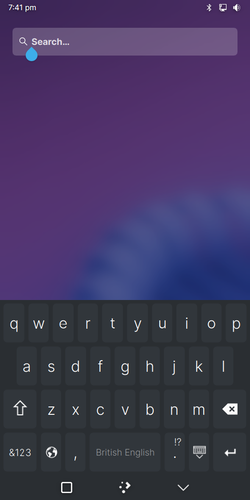
- A new on-screen keyboard, plasma-keyboard, has been added. It is being developed to replace the Maliit virtual keyboard. Plasma-keyboard is based on the Qt Virtual Keyboard, an on-screen keyboard included with Qt. The KDE implementation has been expanded to include features for integration with the Plasma desktop, addresses some usability issues, and utilizes a new scaling algorithm to improve keyboard performance on narrow screens.
- The Spectacle screenshot app has built-in optical character recognition (OCR), which converts words in images into selectable text. Currently, OCR functionality is limited to Spectacle, but plans are underway to develop it into a library and integrate it into other KDE applications. Text recognition is performed using the Tesseract package and is only enabled if it is installed on the system.
Spectacle also provides the ability to mark individual windows to exclude them from screen capture (in screencasts, such windows and associated pop-ups will be hidden). Windows can be marked using context menus in the title bar and task manager, as well as in the window rules editor. An "Open Containing Folder" button has been added to screenshot notifications to open the directory where screenshots are saved.
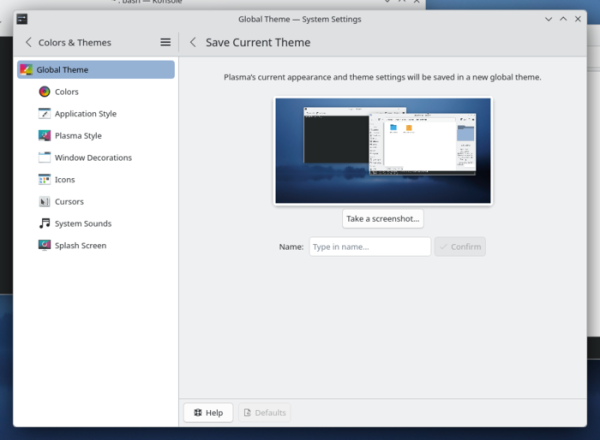
- Added the ability to save current appearance settings as a new design theme.
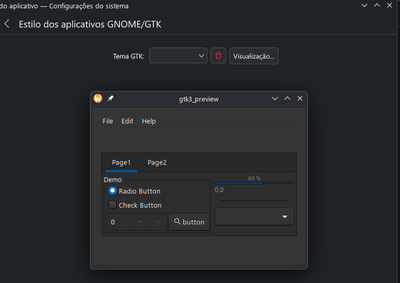
- The theme changer interface now provides the ability to preview dark GTK theme variants.
- Added support for customizing the visual highlighting of frames and outlines for interface elements using the Breeze theme. Among other options, you can completely disable element separators or use a contrasting color to separate elements.
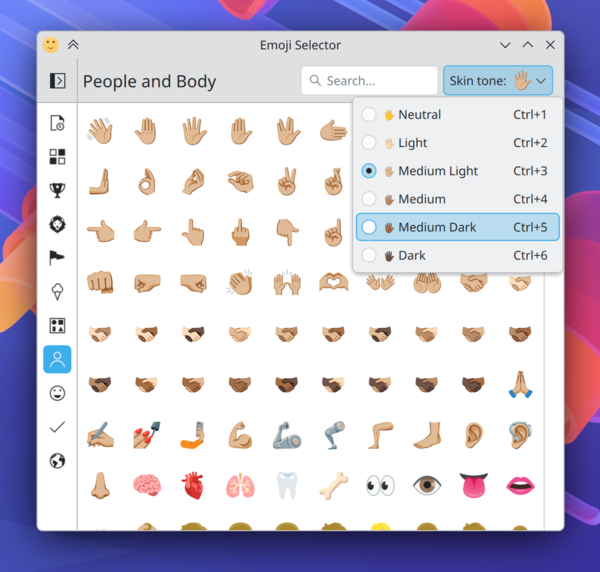
- An option to change the skin color of people and hands has been added to the Emoji selection interface.
- A button has been added to the network connection control widget for connecting to a network and obtaining Wi-Fi parameters by scanning a QR code.
- The panel now allows you to change the task volume level by scrolling the mouse wheel on the application icon.
- The window list widget now supports excluding windows open on other screens and virtual desktops. An option has also been added to open a window by hovering the mouse over its thumbnail for a specified amount of time.
- The desktop now features the ability to display a properties dialog by double-clicking a file or directory while holding down the Alt key.
- The configurator's color correction interface has been improved for people with color vision impairments. A grayscale filter has been added.
- The screen area magnification effect now has a mode that allows you to center the output relative to the cursor position (when zooming in, the cursor always remains in the center of the screen).
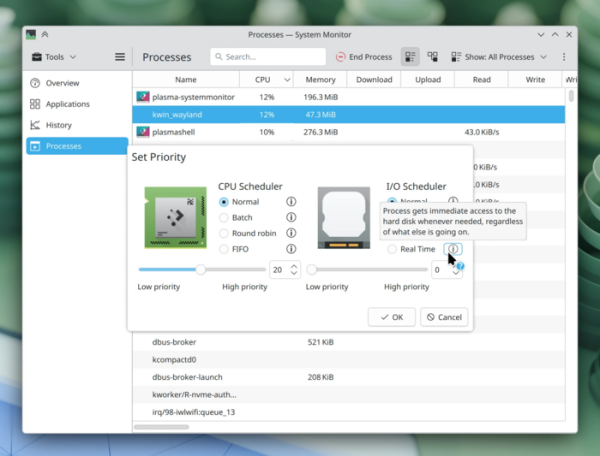
- The System Monitor application now supports setting process execution priorities, similar to how this can be done in the old KSysGuard application.
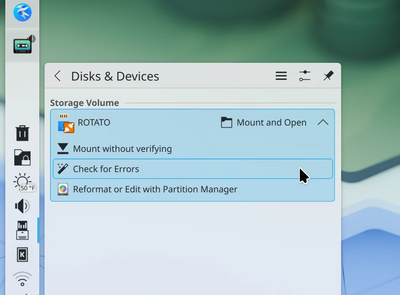
- By default, error checking in the file system when mounting an external drive has been stopped; this operation is now optionally called through a separate option.
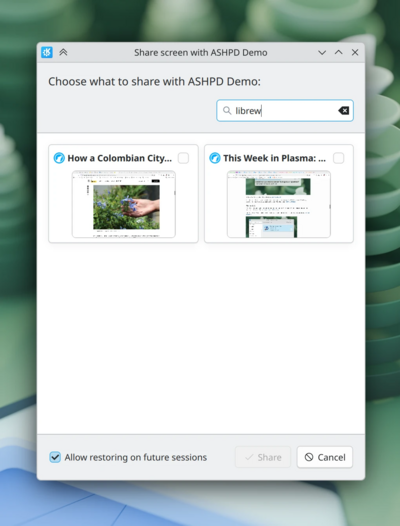
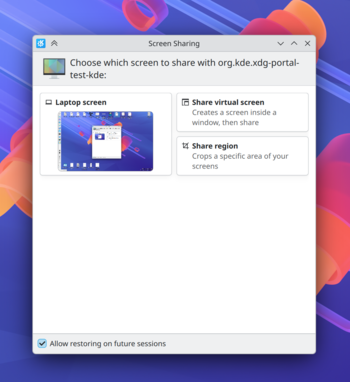
- A search and filter field has been added to the screen selection dialog, allowing you to quickly find a screen by name when you have a large number of open windows.
- Multimedia playback applications now support forward and backward scrolling using dedicated keys on the keyboard.
- The kwin compositing manager has been updated to support the Wayland color-management-v2 protocol, which provides color management capabilities.
- The KWin compositing manager now emulates the XRandr extension, which is used for dynamic resolution changes, rotation, transformation, and mirroring of screen contents. This support has resolved issues with displaying full-screen X11 applications on widescreen displays when using XWayland.
- Improved use of the Wayland xdg-activation protocol for switching input focus between applications.
- Improved drag-and-drop operations between Wayland and XWayland application windows.
- The Wayland-based session has significantly improved support for mirroring content across multiple displays.
- Added the ability to use the kscreen-doctor utility in a Wayland session to add custom screen modes.
- A "Forget device" button has been added to the Bluetooth control widget to quickly remove a paired device without going to the configurator.
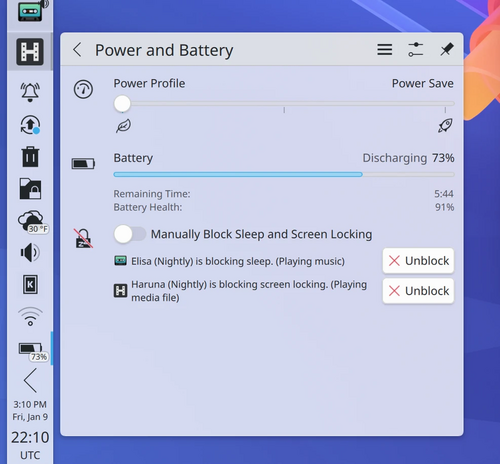
- The power management widget now displays information about the types of locks applied to individual apps (lock from entering sleep mode or lock from launching the screensaver).
- When viewing window thumbnails in the task management widget, focusing on the active window has been implemented to distinguish it from other open windows.
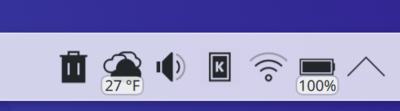
- The readability of text labels in widgets placed in the panel has been improved.
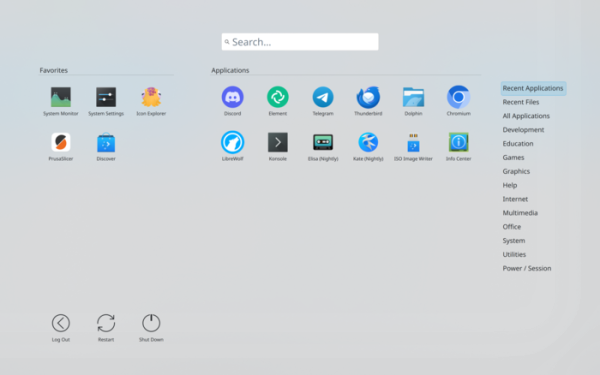
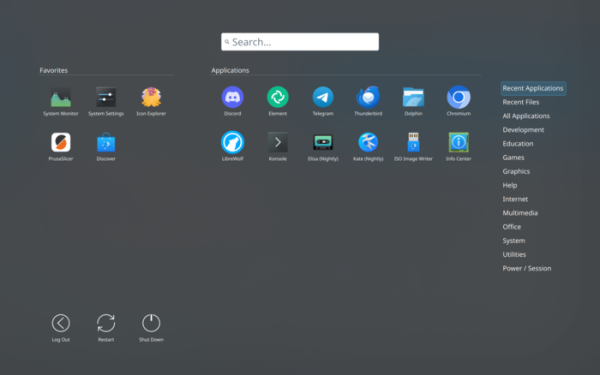
- The Application Dashboard widget now takes into account the selected color scheme for display in light tones in the light design mode (by default, the menu remains dark). The ability to resize the Favorites and regular app sections has been added to allow one to have more screen space.
- The button for displaying the QR code dialog has been removed from the clipper widget; the QR code is now immediately displayed in the interface.
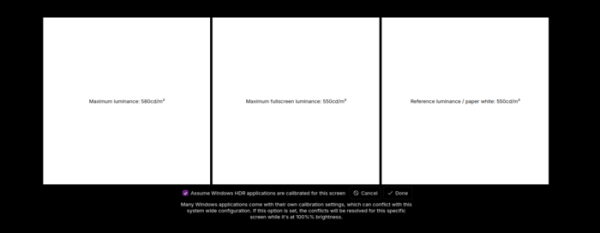
- A page for determining the maximum average brightness when displayed in full-screen mode has been added to the HDR calibration widget.
- The clock widget has been converted to use the "libclock" library, eliminating time zone issues and improving the efficiency of the timer.
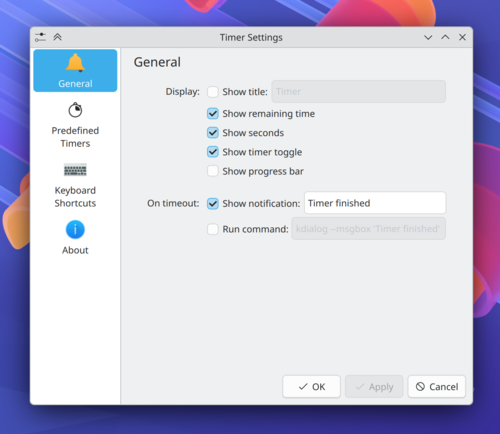
- The timer widget settings interface has been redesigned (a unified settings block has been introduced instead of two pages).
- The Kickoff menu now supports scrolling through the list of favorite applications if they don't fit into the designated area.
- The application menu (Kickoff) now features a visual separation of adjacent selected categories.
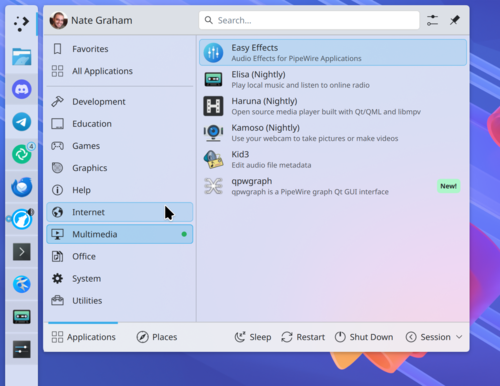
- The Kicker app menu widget now displays submenus when quickly moving the cursor over top-level menu items. Submenus now expand to the left of the parent element when the widget is placed in the right sidebar.
- The Kickoff application menu now features the ability to use cursor keys to return from the search results area to the search query input field.
- The window list widget now has settings for showing the menu when hovering over it with the mouse and hiding the window icon (only the window name will remain).
- The ability to customize the order in which icons are displayed in the session end and screen lock widget has been implemented.
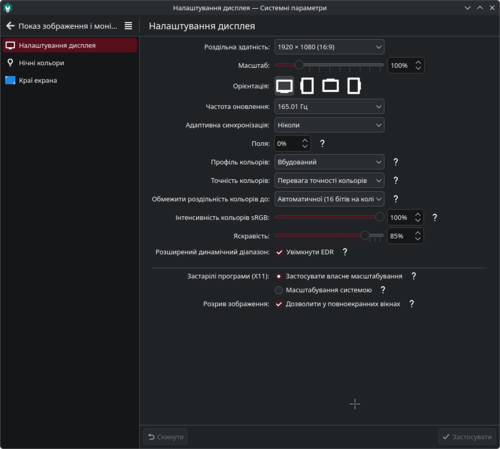
- In the configurator, on the screen settings page, the size of all sliders has been standardized.
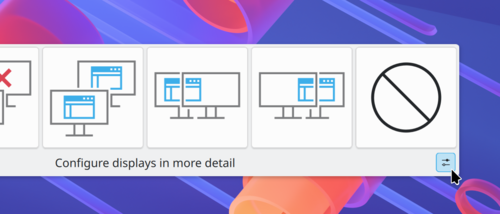
- A button for calling a full-fledged configurator has been added to the pop-up interface for display layout in multi-monitor configurations.
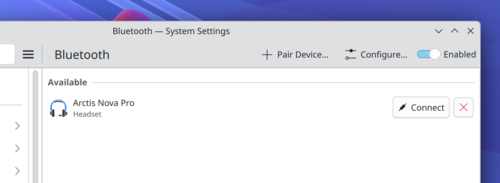
- The Bluetooth configuration interface has been redesigned in the configurator. Frames have been added to the list item buttons, text has been added to the "Connect" buttons, and the active device settings tab is now hidden when Bluetooth is disabled.
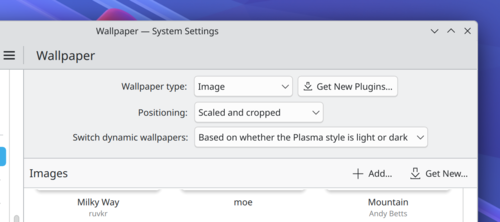
- Additional margins have been implemented on the wallpaper selection page in the configurator.
- Added the Meta+I key combination to open the configurator.
- The size of sliders on the screen settings page in the configurator has been unified.
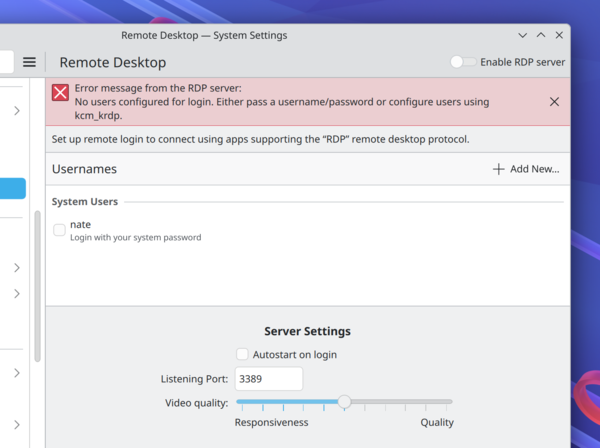
- In the configurator on the page with connection settings to remote desktops The main interface now displays warnings about errors without the need to open the log in case of failures.
- When attempting to delete an entire group of shortcuts, the configurator now prompts you to confirm the operation, highlighting the elements to be deleted.
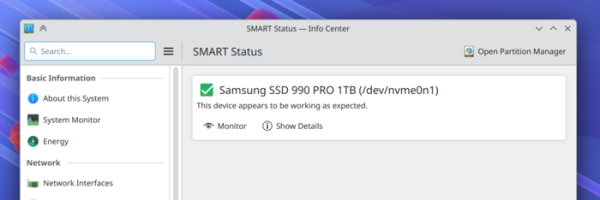
- Improved display of disk status on the SMART diagnostics page in the configurator.
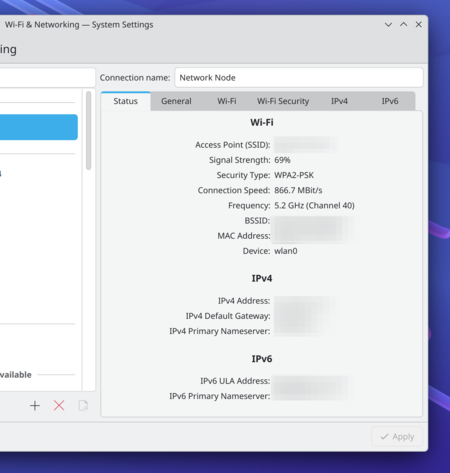
- Information about connected wireless networks has been added to the network connection and Wi-Fi settings page in the configurator, similar to the information shown in the panel applet.
- The configurator now displays Thunderbolt and touchscreen setup pages only if this hardware is present.
- A summary page with settings for HDR calibration has been added to the HDR calibration interface. Windows-applications and games.
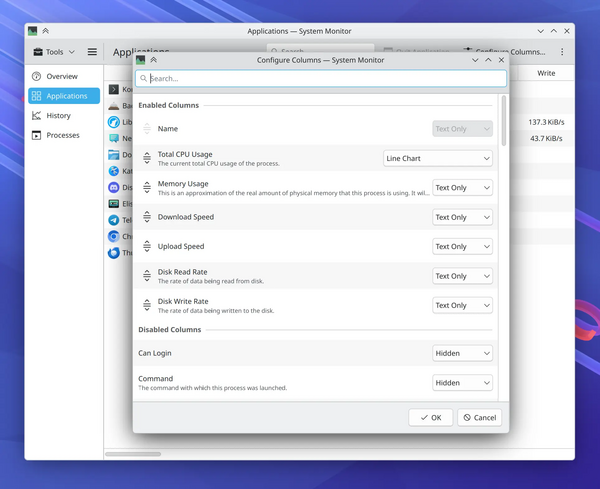
- The System Monitor application has a built-in function for searching processes based not only on their name but also on command-line options, and an expanded dialog for customizing the columns displayed.
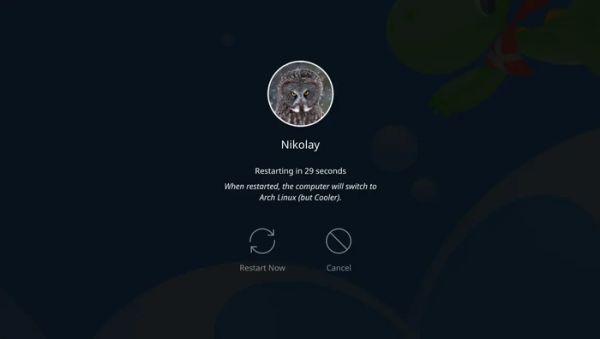
- A warning has been added to the shutdown screen that restarting will result in loading a different operating system.
- Added support for the oo7 password storage provider, which supports the Secret Service API.
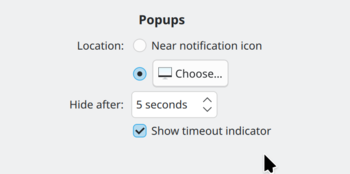
- Added a setting to disable auto-hide timeout indicators in notifications (on some systems, this indicator increases CPU load by 15%).
- Using a game controller is now treated as an activity that prevents the screen saver from entering sleep mode.
- Improved support for the OpenBSD (1,2,3) platform.
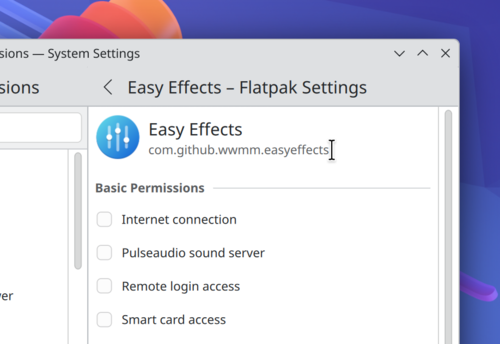
- The application permissions page now displays the Flatpak application ID (e.g., "com.github.wwmm.easyeffects") instead of the version number. The ability to select text for copying to the clipboard has been added.
- By default, Wi-Fi passwords are stored in a global context accessible only to the root user, rather than per-user. This change will allow new users to immediately access the network if the system has previously connected to Wi-Fi, without having to log in again. Functions requiring an internet connection, such as using LDAP accounts, will also work immediately on the login page.
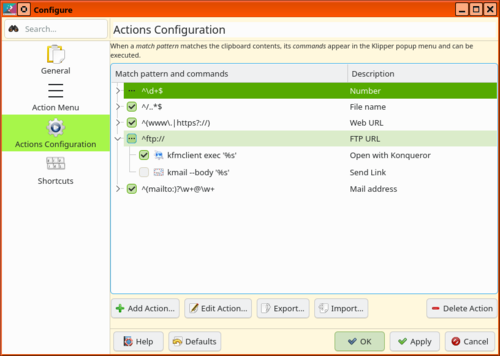
- It is now possible to temporarily disable templates and commands in the Klipper clipboard manager without deleting them from the list.
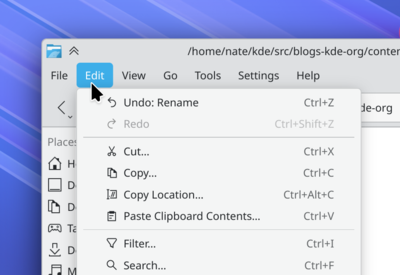
- The corners of the marker that highlights the active element of the top menu in applications have been rounded.
- The aspect ratio of image thumbnails is now correctly displayed when using the Bing Picture of the Day desktop wallpaper service. Instead of using only portrait format for images, it now adaptively selects either landscape or portrait view.
- The web browser integration add-on settings now use a dark background if the browser's dark mode is enabled.
- The "kcmshell6 --list" command uses alphabetical sorting.
- KRunner has disabled dynamic changes to the search results display priority based on their frequency of use, which will allow for more predictable sorting.
- Implemented the ability for an application to pass the "position" property when initiating screen sharing to improve performance in multi-monitor configurations.
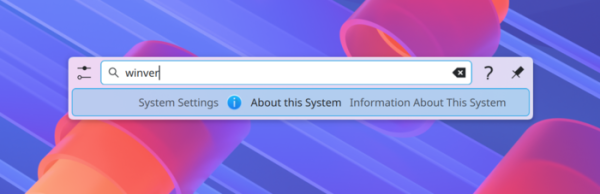
- In the search interface, when entering the query "winver", familiar to users Windows, the output of a page with information about the system is provided.
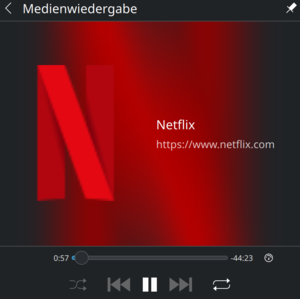
- The site icon is now displayed when controlling playback of multimedia content in the browser via the Media Player widget, even if the album cover image cannot be retrieved.
- The animation for switching sections in windows has been changed.
- Maximum number limit virtual desktops Increased from 20 to 25 (allows virtual desktops to be displayed in a 5x5 grid).
- Added support for the xdg portal for accessing USB devices from sandboxed applications.
- On systems with the kernel Linux 7.0, the development of which has just begun, and the corresponding hardware support has implemented the ability to adjust the clarity of the entire screen content.
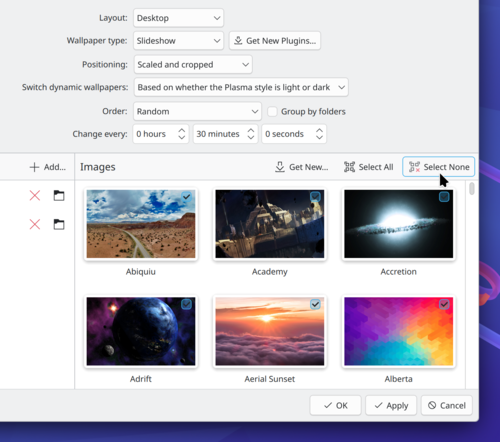
- Buttons for selecting and deselecting all thumbnails have been added to the interface for selecting desktop wallpapers for display in slideshow mode.
- Improved display of content on system information pages.
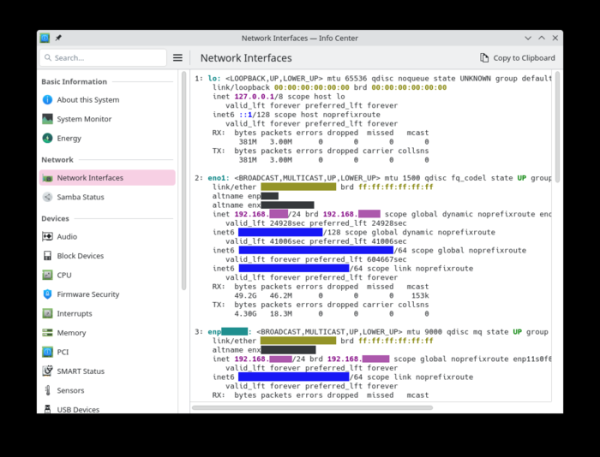
- The ability to use the keyword "dxdiag", familiar to users, has been implemented Windows, to display information about the graphics subsystem during search.
- Text fields use the standard button style for inline actions.
- The Breeze GTK theme, similar to the Breeze Qt theme, no longer uses gradients on buttons.
- Optimizations have been implemented that reduced RAM consumption in KDE Plasma by over 100 MB by unloading unused images generated for desktop wallpapers from memory. The tradeoff for these optimizations is the inability to use tiled wallpaper display mode, which is used to recreate the retro look of KDE 1. The functionality for working with tiled wallpapers has been moved from the core image-handling code to a separate "Tiled" plugin.
- The "KWin Scripts -> Enable Virtual Desktops Only on Primary" setting has been implemented, allowing windows to be linked to virtual desktops only on the primary display—windows on secondary displays always remain visible, regardless of the active virtual desktop.
- DrKonqi, a crash reporting tool, now tracks crashes of non-KDE applications and allows users to report crashes in such programs to the distribution's developers or maintainers.
- When using the color picker to determine the color of a pixel on the screen, the raw RGB color value is now transmitted, rather than the value after processing by filters (for example, the night mode filter) or using an ICC profile.
- When displaying GTK applications using the Breeze theme, additional indents for toolbars have been implemented (the outermost elements of the toolbars touch the edges of the window) and the appearance of unsightly black separator lines has been eliminated.
- Hot corner handling has been implemented to trigger actions on all screens in multi-monitor configurations, not just the primary screen. This new behavior can be disabled in the settings.
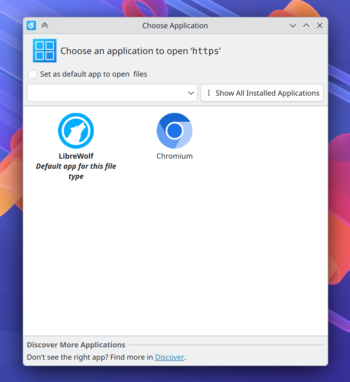
- The design of dialogs for confirming permissions and selecting an application for processing specific content has been redesigned.
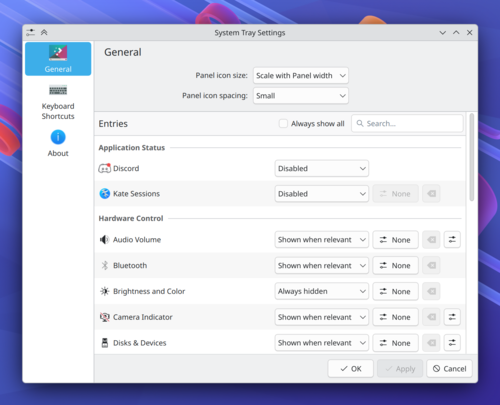
- Disparate system tray settings have been consolidated onto one page.
- The failure to register a key sequence requested when launching the application is now remembered (repeated requests are no longer displayed on subsequent launches).
- The position of the icon on the desktop is now preserved after renaming a file or directory.
- Improved display quality and clarity when using fractional scaling in combination with software rendering.
- A process crash loop no longer causes the system to run out of memory and hang.
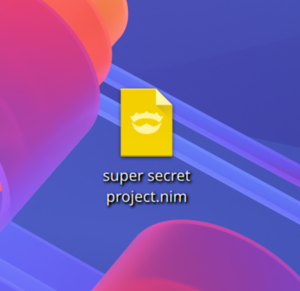
- An icon for files containing Nim code has been added to the Breeze icon set.
 KDE Plasma and KWin have significantly improved animation smoothness when using displays with refresh rates greater than 60Hz.
 - KWin has been optimized to reduce unnecessary steps during compositing.
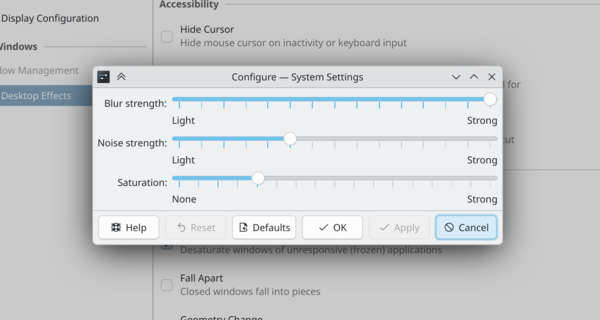
- The ability to adjust the background saturation for the content blur effect has been introduced. The default dark color scheme implements a darker blur, and the saturation has been increased by 150%.
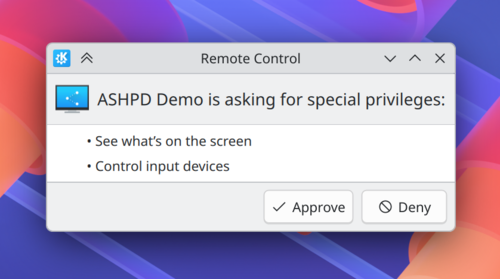
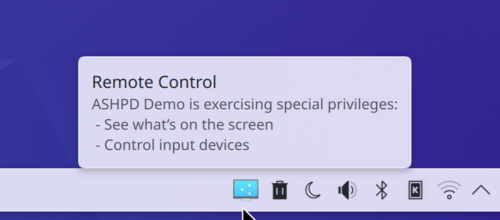
- The interface of the dialog box for managing remote access has been modernized (1, 2, 3, 4).
- When scrolling through grouped icons in the Task Manager, windows are now displayed in the order they were last accessed, without prioritizing full-screen tasks.
- The menu editor (KMenuEdit) now supports selecting multiple items at once to speed up bulk deletion.
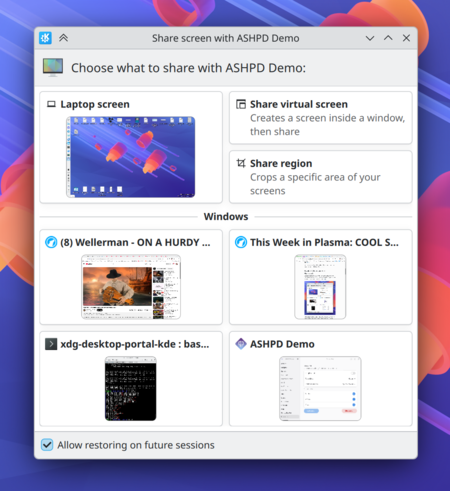
- We've continued to modernize dialog boxes for isolated application access to external resources (XDG portal). The interface for selecting windows and screens has been simplified.
- In applications based on the Kirigami and QtWidgets frameworks, the height of headers and indents between items in lists have been unified.
- The ability to assign globally applicable key combinations for skipping forward or rewinding playback by 5 and 30 seconds has been added. These combinations are user-assignable and supported in media players that implement the MPRIS remote control protocol.
- Removed the error notification when canceling the pasting of files to the desktop from the clipboard.
- Improved performance when selecting elements on the desktop using a mouse-extendable rectangular frame.
- When animation is disabled in the system settings, the "reduced-motion" option is automatically set, informing applications about the need to minimize the use of animation.
- Added the ability to automatically adjust screen brightness on devices with a light sensor.
- A workaround has been provided to resolve the issue of incorrectly displayed colors at startup. Windows- games with HDR support in Wine or Proton.
- The Meta+Shift+O action has been added to the minimize all windows handler to minimize all windows except the current one.
- Added the ability to move windows using the stylus of a graphics tablet (moving the stylus while holding down the Meta key).
- Reduced the occurrence of frame drops on monitors with very high refresh rates.
- Applications using xdg-desktop-portal-kde now have the ability to prevent session termination, for example due to unsaved documents.
Source: opennet.ru

