

The release has been published Linux- Zorin OS 18.1 distribution based on the package base Ubuntu 24.04. It is noted that the Zorin OS 18 release, released 6 months ago, has been downloaded 3.3 million times, with about 80% of all downloads being made by users WindowsUpdates for Zorin OS 18.1 will be released until June 2029. Three ISO images (Core, Lite, and Education) are available for download, with sizes of 4 and 8 GB.
The target audience of the distribution are novice users accustomed to working in WindowsTo manage the design, the distribution offers a special configurator that allows you to give the desktop a look specific to different versions. Windows и macOS, and the composition includes a selection of programs close to the programs that users are accustomed to Windows.
Zorin OS uses GNOME as the desktop platform, with a set of its own add-ons and a panel based on Dash to Panel and Dash to Dock. Zorin Connect (based on KDE Connect) is included for desktop integration with smartphones. In addition to deb packages and repositories, Ubuntu By default, support for Flatpak, AppImage, and Snap formats is enabled, with the ability to install programs from Flathub and Snap Store catalogs.
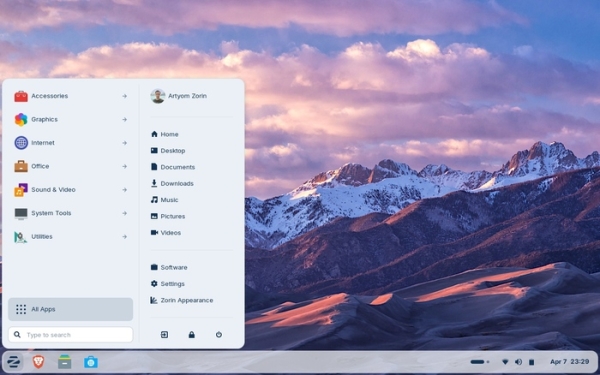
In the new version:
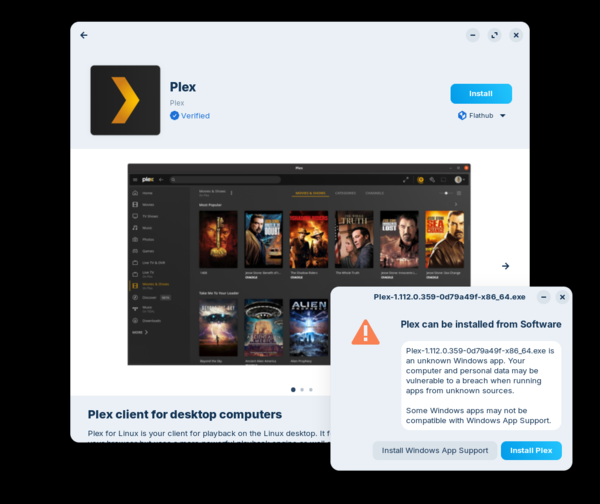
- The built-in database for identifying installers of popular programs has been expanded to 240 (previously 170) Windows-applications. When trying to run the installer Windows- programs present in the database, a dialog is displayed with a proposal to install an analog or native assembly of the program for Linux.
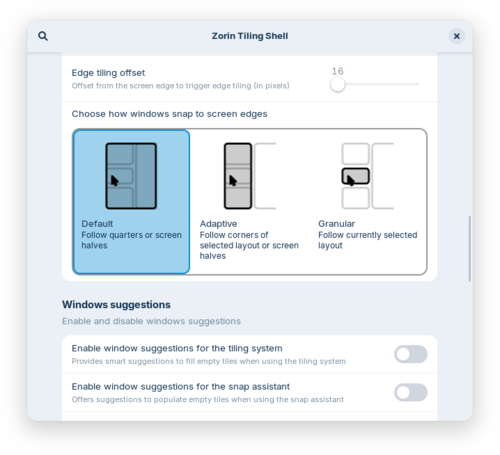
- In the visual mosaic layout mode, which allows you to do without memorizing complex keyboard shortcuts (Zorin Appearance → Windows → Advanced Window Tiling), a setting has been added to bring all tiled windows to the foreground after switching to one of the tiled apps from the taskbar. An option to change the window order has been added to the tile layout editing dialog. The ability to snap windows to the edges of the screen using custom tiled layouts, not just split-screen or quad layouts, has been added.
- The panel now supports displaying text with right-to-left font.

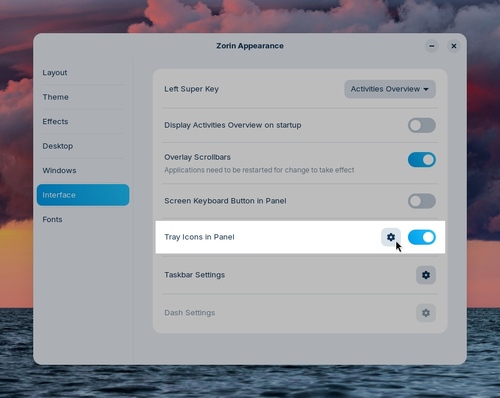
- An option has been added to Settings to enable or disable the display of application indicators on the panel that provide access to quick access functions or display status.
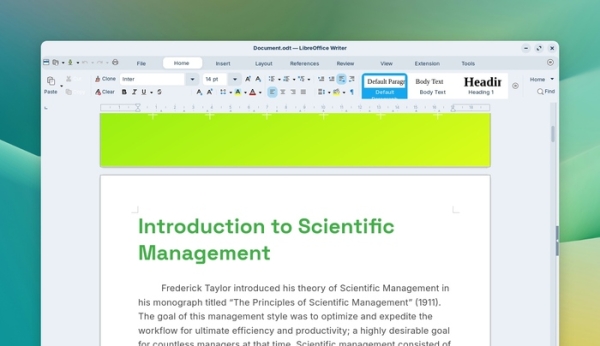
- Programs such as LibreOffice 26.2 have been updated.
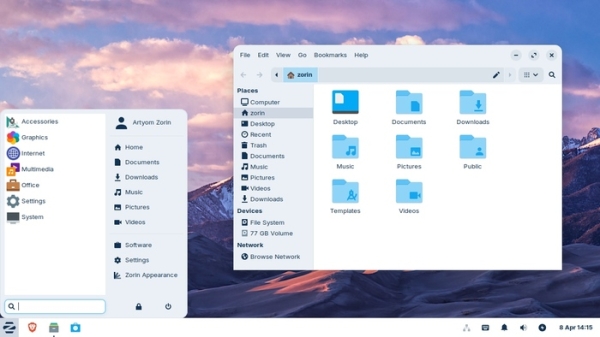
- The Lite edition, designed for low-power computers, has been reinstated. It comes with the Xfce 4.20 desktop environment. The file manager features a more compact interface, optimized for use on smaller screens. Fingerprint authentication support has been added. Themes have been updated. Support for launching standalone web applications has been added, which appear in the start menu similar to traditional applications.
- Core Linux updated to release 6.17. From Ubuntu On October 25.10, the latest driver versions for NVIDIA GPUs were ported. Support was added for Intel Xe3 GPUs and systems with hybrid graphics equipped with discrete AMD graphics cards.
- Added support for Lenovo ThinkPad and Samsung Galaxy Book laptops, Magic Mouse 2 and Touch Bar input devices, PlayStation 5 DualSense, Acer Nitro NGR200 and Turtle Beach Recon game controllers, ASUS ROG Ally, Lenovo Legion Go and OneXPlayer portable gaming consoles.
Source: opennet.ru

