

Using an AI assistant, a set of patches, settings, scripts and DLL libraries has been prepared with the implementation of stubs for missing functions, allowing you to run the Adobe Lightroom CC photo processing program (not to be confused with Lightroom Classic) in Linux Using Wine 11.8 and DXVK. You can also launch the Creative Cloud app to connect to the Adobe cloud, display the app bar, and install Adobe Lightroom CC and other Adobe programs.
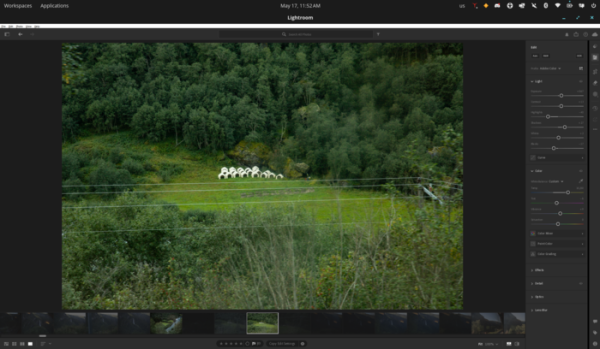
Upon launch, Adobe Lightroom CC displays a cloud-synced catalog and allows access to the editing module with a toolbar (lighting, color, effects, geometry, optics, detail, etc.). Among other features, tools for cropping/reshaping geometry and deleting/restoring objects are available, allowing you to, for example, straighten the horizon and remove people accidentally captured in the frame. Features that are still not working include crashes when attempting to open certain dialogs, such as "What's New," and incomplete utilization of GPU acceleration. Otherwise, basic editing functions are functional.
The changes were prepared autonomously by the Claude Opus 4.7 model, used through the Claude Code AI assistant. The model cyclically launched Adobe Lightroom CC using Wine, analyzed crash dumps and Wine logs, examined Adobe executables using winedump, objdump, and PE structure analysis, compared reference libraries with those provided by Wine and Proton to identify missing functions, modified executables, created stub DLLs, and performed a functional check by analyzing screenshots.

Source: opennet.ru

