

In the MSI motherboard lineup, the most high-end products belong to the MEG series — MSI Enthusiast Gaming. In this series, if we talk about boards for LGA1851 processors, the company offers three products at once: MEG Z890 Godlike — an ultra-expensive board, incredibly stuffed with various features; the MEG Z890 Unify-X platform for extreme overclocking; and also MEG Z890 Ace, which is also a premium product, but does not have any too obvious excesses in its equipment. This is what we will talk about today.
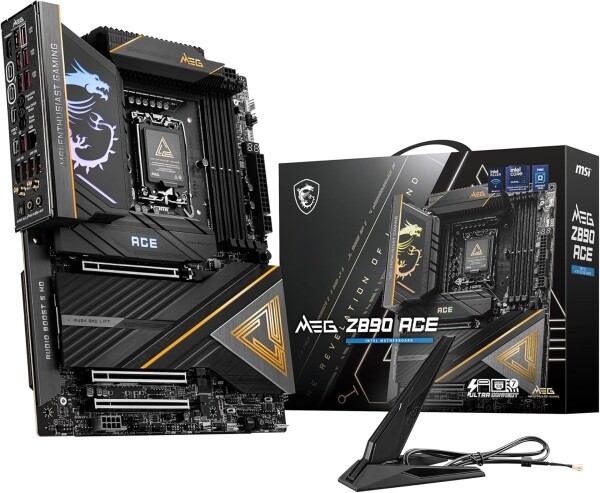
However, let's make one thing clear: despite this, the MSI MEG Z890 Ace is not a cheap board. Its recommended price is $660, and the arsenal of available features includes a 10 Gbps wired network controller, Wi-Fi 7, 15 USB ports with a speed of 10+ Gbps on the rear panel, and much more, from which it becomes clear that this is not a mass product, but a premium board for a narrow audience of high-performance enthusiasts. And not just any, but those who prefer Intel processors, despite the fact that the senior CPU of this company's current family is noticeably inferior in performance to the competitor's products.
The latest generation of MSI motherboards turned out to be quite successful. We have already reviewed , и , and all three boards demonstrated both high-quality implementation of the processor power supply circuit and competent work with memory, allowing to achieve very high frequencies of DDR5 modules when overclocked. But MSI MEG Z890 Ace is one step higher, and therefore even more pleasant surprises can be expected from it. So let's get down to practical acquaintance.
Specification and delivery set
Based on the price of the MSI MEG Z890 Ace, this board is a direct competitor to the Asus Maximus Z890 Hero and Gigabyte Z890 Aorus Master. Indeed, these three boards are quite similar in specifications. However, the MSI version has certain advantages. Unlike the Asus board, it has a 10 Gbps network controller, and unlike the Gigabyte board, it has a more powerful power supply, a second PCIe 5.0 x16 slot, and more USB ports.
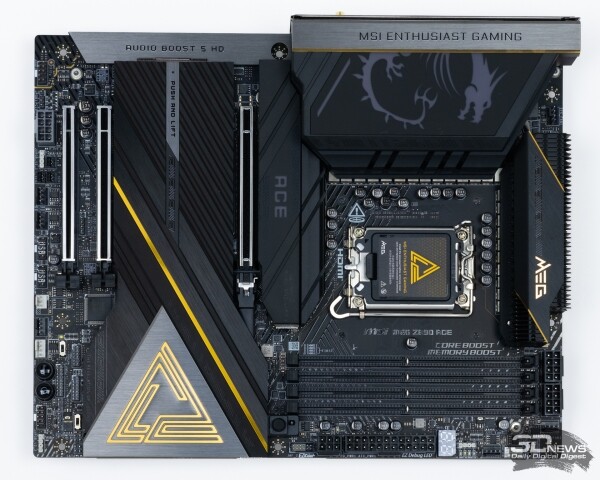
As a result, it's pretty hard to find any valid complaints about the MEG Z890 Ace's specs. Some might be unhappy with the fact that it only has one network controller, but that's more of a nitpick, even though some of MSI's more affordable boards do have two network controllers. Even so, MSI's board is still equipped with the latest technology.
| MSI MPG Z890 Ace | |
|---|---|
| Supported processors | Intel Core Ultra 200, LGA 1851 |
| Chipset | Intel Z890 |
| Memory subsystem | 4×DIMM, up to 256GB with up to DDR5-9200+ frequency UDIMM and CUDIMM support |
| Expansion slots | 1×PCI Express x16 (up to 16 PCIe 5.0 lanes) 1×PCI Express x16 (up to 8 PCIe 5.0 lanes) 1×PCI Express x16 (4 PCIe 4.0 lanes) |
| Drive interfaces | 1×M.2 (2260/2280/22110) with PCI Express x4 5.0 support 1×M.2 (2260/2280) with PCI Express x4 5.0 support 2×M.2 (2260/2280) with PCI Express x4 4.0 support 1×M.2 (2260/2280) with PCI Express x4 4.0 and SATA 6Gbps support 4 x SATA 6Gb/s |
| The local network | 1×Marvell AQC113CS, 1/2,5/5/10Gbps |
| Wi-Fi | Intel Killer BE1750x Wi-Fi 7, 802.11 a/b/g/n/ac/ax/be, 2,4/5/6 GHz |
| Audio subsystem | Realtek ALC4082 (7.1) codec + ESS ES9219Q DAC |
| Internal interfaces | 8 x Fan/Pump 1×4-pin RGB 12V 3×3-pin ARGB 5V 1×SPI TPM 1×EZ-Conn Header 1×USB 3.2 Gen2 Type C (20Gbps) 2×USB 3.2 Gen1 Type A (5Gbps, 4 ports) 2×USB 2.0 (4 ports) 1×TB Header 1×F-Audio 2 × Thermocouple connection connector 1×Flow sensor connector |
| Interfaces on the rear panel | 11×USB 3.2 Gen2 Type A (10Gbps) 2×USB 3.2 Gen2 Type C (10Gbps) 2×Thunderbolt 4/USB4 (40Gbps) 1 x HDMI 1 x RJ-45 2×Wi-Fi antenna 1×S/PDIF Out 2×3,5mm audio Clear CMOS button Flash BIOS button Smart button |
| Form Factor | ATX, 305 x 244 mm |
| Price | From 90 000 rub. |
Intel has made its Arrow Lake processors such that they will be chosen not for gaming systems, but for workstations. And the MEG Z890 Ace seems to meet this requirement. The board allows you to connect a large number of solid-state drives, has a high-speed network controller, has an extensive set of high-speed USB ports for external devices, and also supports bifurcation of PCIe 5.0 processor lines into two PCIe x16 slots, allowing you to install two high-performance video cards at once, which can be used in computing tasks or for working with neural networks.
The set of accessories that comes with the board also seems to correspond to the professional purpose of the MEG Z890 Ace. There are no playful accessories here, but everything is exclusively necessary and useful when building a PC. In addition to the usual set of papers from manuals and stickers, four SATA cables and a Wi-Fi antenna, this is an additional stand for mounting M.2 drives with a key for its installation, a USB flash drive with drivers, two thermocouples, splitters and extenders for connecting different LED strips, as well as an extension cable designed to facilitate the connection of case buttons and indicators to the board.
Among all this pile of wires, there is one particularly interesting one: 1-to-3 EZ Conn-Cable V2 - it brings together USB 2.0, a fan header, and an A-RGB connector, allowing you to connect this entire bundle of wires to a single connector on the motherboard, which in some cases will simplify the connection of unattended CPU liquid cooling systems and the routing of cables around the case.
Design and features
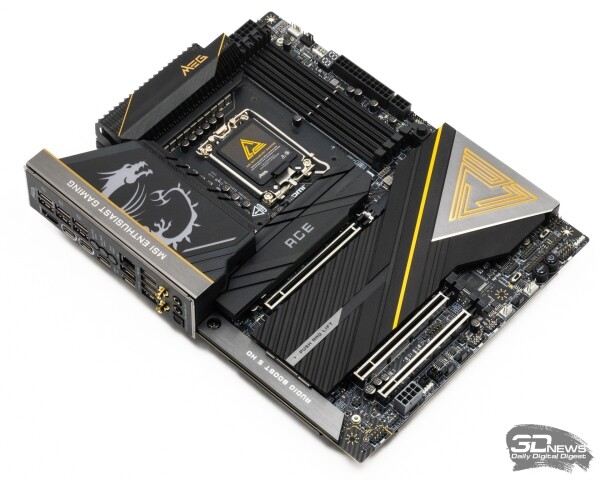
The first thing that attracts attention in the MEG Z890 Ace is its appearance. While strict and monochromatic boards in black or white tones have become fashionable, the MSI motherboard in question goes against the trend. The monochrome design scheme is broken by golden accents in the form of lines and logos on the radiators, which make one want to say that its design is dominated by Eastern, rather than Western traditions. In addition, the board has RGB backlighting - a glowing dragon on the rear panel casing and the Ace name on the SSD radiator. As a result, the MEG Z890 Ace may seem too “cheerful”, which will not please all users, especially among those looking for a platform for a productive workstation.
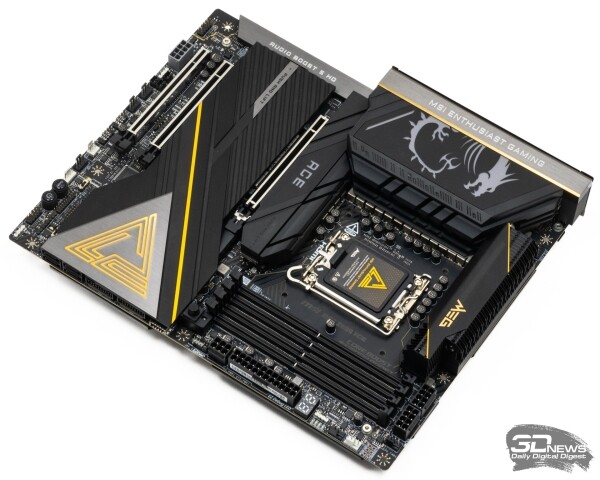
But even despite its ambiguous appearance, the MEG Z890 Ace is perceived as an expensive and high-quality product. There is no saving on materials here: they clearly did not skimp on aluminum radiators and casings, plus the board is even equipped with a backplate, which is not so common. And in general, the cooling that MSI implemented for the processor power supply system looks more than convincing and commands respect.
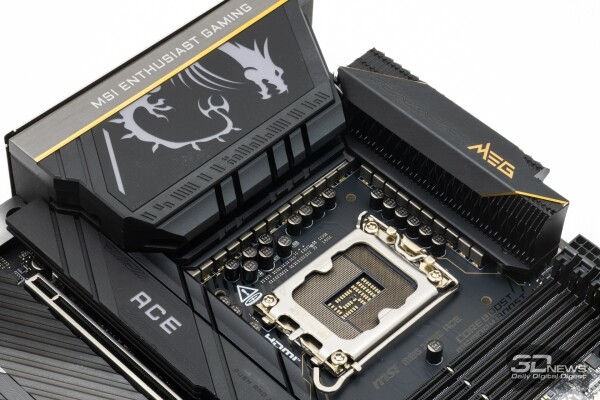
Indeed, this cooling has something to surprise about. Firstly, it includes two copper heat pipes with direct contact technology. Secondly, one of the radiators is made using the technology of good processor coolers - it is not an aluminum bar with figured cutouts, but a package of thin aluminum plates soldered to the base. And thirdly, this entire system is assembled not from two, as is usually the case, but from three radiators that surround the processor socket in the shape of the letter "U".
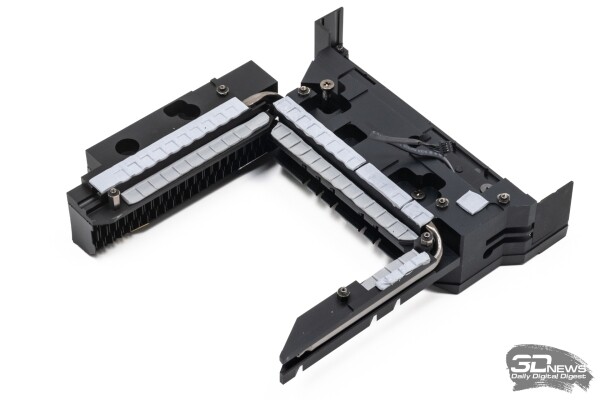
Probably, the use of highly efficient thermal pads with a thermal conductivity of 9 W/(m∙K) could not be mentioned - this is a self-evident detail (in fairness, it is worth recalling that the "gold standard" for motherboards is considered to be simpler thermal pads - with a thermal conductivity of 7 W/(m∙K)). And to top it all off, the backplate also takes part in heat dissipation from the processor power circuit - it contacts the board's PCB in the VRM zone through the same highly efficient thermal interface.
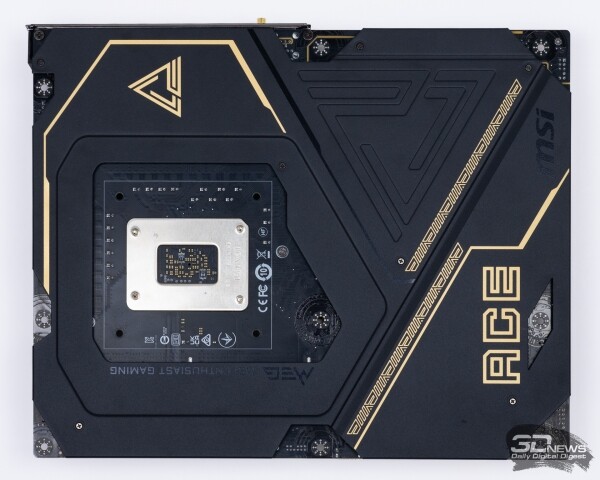
All this magnificence is designed to remove heat from the processor power supply circuit, which can be called one of the most powerful versions of the VRM on LGA1851 boards, since its peak current can reach a fantastic value of 2640 A. It consists of 16 phases distributed across the power circuits of the processor core (VCORE), system agent (VCCSA), graphics core (VCCGT) and PCIe controller with other strapping (VNNOAN). The main part of this circuit - voltage supply to the processor core - is the responsibility of the Renesas RAA229134 PWM controller. It ensures the operation of 12 channels with dual Renesas R2209004 power stages in each. It is due to this number of these elements, each of which is designed for a maximum current of 110 A, that the colossal power of the entire VRM is achieved. However, the peculiarity of these assemblies is not only in high power. What also sets them apart is that they belong to the Smart series, which means they have their own real-time current and temperature monitoring.
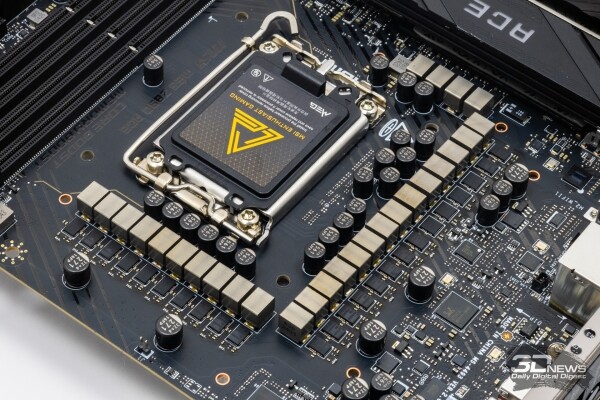
As for the remaining circuits, another PWM controller is responsible for them - Renesas RAA229131. It implements one phase in the VCCGT and VNNOAN circuits and two phases in the VCCSA circuit. These circuits use simpler Renesas RAA20075R0 power assemblies with a maximum current of 75 A.
Thus, MSI did not save on VRM in the board under consideration, but, on the contrary, tried to implement an extremely powerful, stable and durable scheme, which will be enough not only for Arrow Lake, but also for future Intel processors compatible with the LGA1851 socket. Therefore, it is not surprising that in addition to high-quality Renesas power elements, the power converter has titanium chokes and solid capacitors made of conductive polymer.
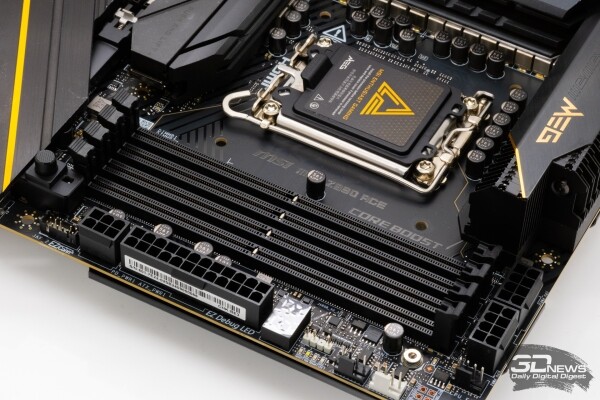
It is also impossible not to notice that the 8-pin 12-V connectors for connecting power to the VRM are located on the MEG Z890 Ace near the DIMM slots. This is an atypical location for their placement, but it is quite convenient when assembling the system, since neither the radiators on the board, nor the processor cooler, nor the power supply (if it is located on the top of the case) interfere with access here.
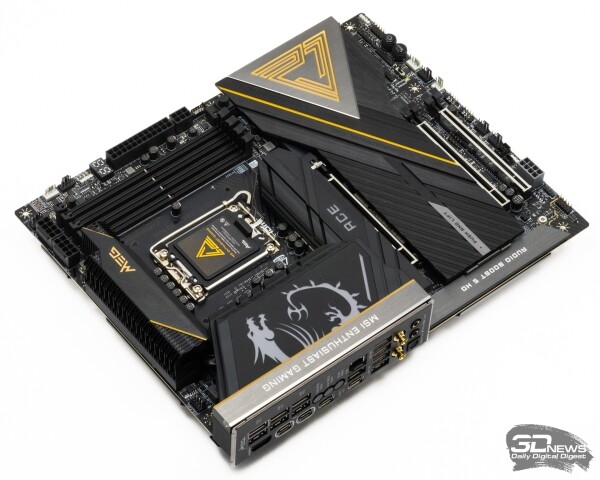
Speaking about the circuitry, it is impossible not to note that MSI MEG Z890 Ace is based on an eight-layer textolite, which is distinguished not only by the increased thickness of the copper layers, but also by the use of heat-resistant glass-fabric epoxy laminate. But this is important, of course, not for fire safety, but because such textolite is subject to less deformation when heated and provides better reliability of the system in long-term operation with temperature changes.
In addition, eight-layer boards usually have a more noise-resistant layout of DIMM and PCIe 5.0 slots, which makes such motherboards suitable for overclocking purposes. In fact, MSI MEG Z890 Ace promises high results when overclocking memory. In the compatibility list provided by the manufacturer, you can find information about the operability of this board with DDR5-9200 modules. And this is a very good result for a board with four DIMM slots, the importance of which cannot be overestimated. The fact is that high-speed memory is a critical component in the LGA1851 platform, since it allows you to partially neutralize the shortcomings of the memory controller of the Arrow Lake family.
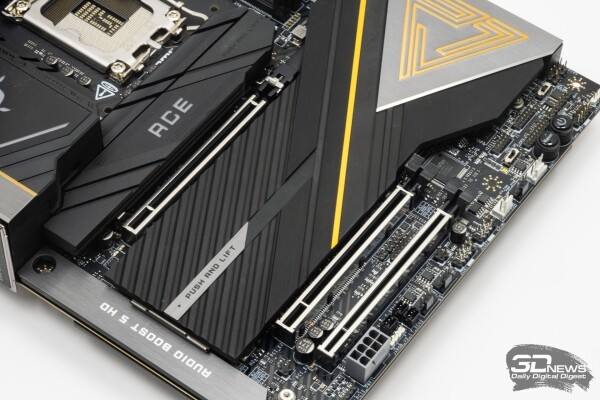
As for the PCIe slots, there are three of them on the MSI MEG Z890 Ace, all of them have a mechanical PCIe x16 design, but have a different set of lines. The first and second slots share 16 PCIe 5.0 processor lines, that is, they work in x16/x0 or x8/x8 modes depending on whether the second slot is used. The third slot is connected to the chipset and receives only four PCIe 4.0 lines from it. At the same time, MSI did not skimp on the structural reinforcement of all three slots with Steel Armor metal frames, and this is not at all unnecessary, since modern motherboards use surface-mount soldering of slots, which does not provide sufficient rigidity. Additional reinforcement of the slots helps to withstand the weight of massive video cards with powerful cooling systems and prevents damage during their installation and removal.
The trend of reducing the number of PCIe slots in favor of M.2 can be seen in many flagship motherboards of the latest generations, and the MSI MEG Z890 Ace is no exception. For three PCIe slots on this motherboard, there are five M.2, and it turns out that all of them are logically different. The first slot, adjacent to the processor socket, supports PCIe 5.0 SSD and is connected directly to the processor.
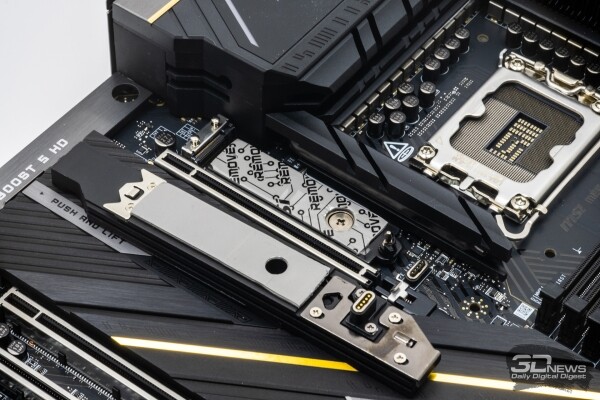
The processor is also responsible for the second M.2 slot, which is located below the first PCIe x16, but it only supports PCIe 4.0 SSD. Further, the third slot, like the second, is oriented towards PCIe 4.0 drives, but the chipset is responsible for its operation. But the fourth M.2 slot again supports PCIe 5.0 SSD due to the use of processor lines, but it does not use them exclusively, but takes them away from the second PCIe x16 slot. This means that when a drive is installed in it, the first PCIe x16 slot will be forced to switch to x8 mode, and the second PCIe x16 slot will be content with only four PCIe 5.0 lines. However, MSI also offers an alternative option: the fourth M.2 slot can be switched to the chipset (in the BIOS settings), and then it will support no more than a PCIe 4.0 SSD, but installing a drive in it will not lead to a narrowing of the interface allocated to the video card. And finally, the fifth M.2 slot, like the third, works via the chipset and supports only PCIe 4.0 drives, but it adds support for SATA drives, which is missing from all other M.2 slots.
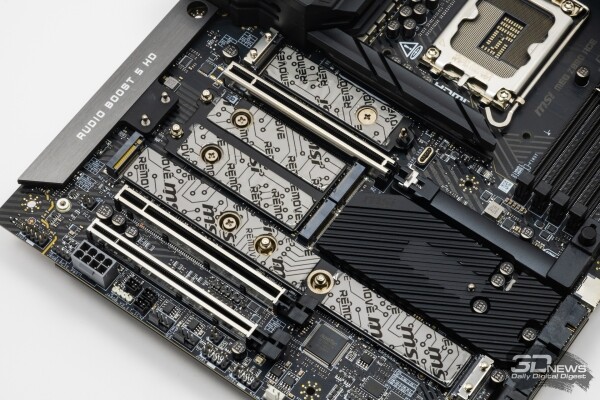
All M.2 slots on the board are equipped with high-quality cooling. In the case of the first slot, this is an independent "single-seat" radiator, while the other slots are covered with a common heat-dissipating plate. All these structures are fixed with latches, and there are no questions about their efficiency due to their impressive dimensions. The slots also provide heat dissipation from the bottom surface of the drives. In other words, in terms of cooling the drives, the MEG Z890 Ace offers comprehensive options. There may be only one problem here - the combined radiator of M.2 slots from the second to the fifth can only be removed after removing the video card from the system, which may not always be convenient during upgrades.
Flagship and expensive motherboards based on the Z890 chipset differ from more affordable options not only in the number of slots and the complexity of the cooling system. Motherboards such as the MEG Z890 Ace are also characterized by the fact that developers try to use the capabilities of the logic set to the maximum. In the board under consideration, the chipset is squeezed almost to the limit: out of the available 24 and 10 HSIO links for PCIe and USB, 23 PCIe and 10 USB links are used, respectively. For example, the available PCIe links go to four PCIe 4.0 x4 interfaces for the third PCIe x16 slot and three M.2; to four SATA ports available on the board; plus three more lines provide operation of network controllers (4×4 + 4 + 3 = 23).
There are two network controllers mentioned above. Firstly, the 10 Gbps Marvell AQtion AQC113CS chip on the board requires two PCIe 4.0 lines at once, so that the interface does not become a bottleneck when operating in maximum mode. And another line is required for the gaming Wi-Fi 7 adapter Intel Killer BE1750X, which is based on the hardware base of the Intel BE200 adapter and can provide a maximum throughput of up to 5,8 Gbps. (In parentheses, we note that the gaming focus of this solution is mainly due to the software, which can prioritize gaming traffic.)
As for high-speed USB, the MSI MEG Z890 Ace literally holds the record for their number. In order to increase the number of such ports, the developers resorted to using three additional USB hubs at once (Realtek RTS5429, Realtek RTS5420 and Genesys Logic GL3523), each of which splits one chipset USB 3.2 Gen 2 port into four USB 3.2 Gen 1 or USB 3.2 Gen 2 ports. As a result, from ten chipset ports with a throughput of 10 Gbps, there is a total of one 20-Gbps USB port, thirteen 10-Gbps USB ports and four 5-Gbps USB ports. Add to this the two Thunderbolt 4/USB4 ports built into the processor, and the MSI MEG Z890 Ace has a total of 20 high-speed USB ports.
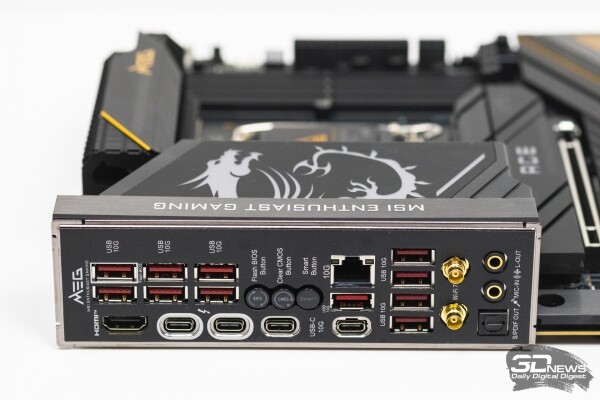
15 ports out of these two dozen can be seen on the back panel of the board. Both Thunderbolt 4/USB4 ports, two USB 3.2 Gen 2 Type-C ports (10 Gbps) and 11 USB 3.2 Gen 2 Type-A ports (10 Gbps) are located here. The graphics integrated into the processor can be used either via a separate HDMI connector located nearby or via Thunderbolt 4, which can operate in DisplayPort 2.1 mode (with UHBR20 support) - in both cases, the maximum supported resolution reaches 8K at 60 Hz. Also on the back panel is a wired network connector and two "fast" connectors (without threads) for a Wi-Fi antenna.
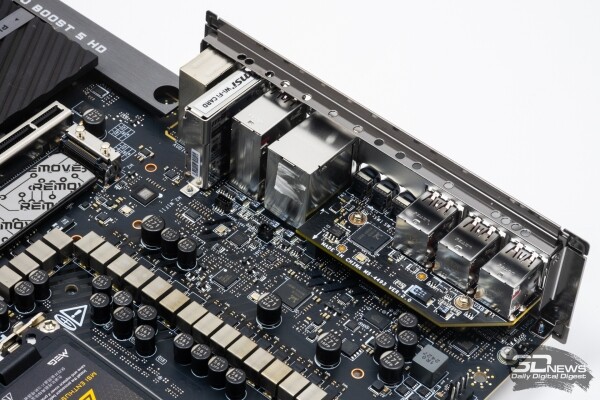
The audio path deserves special attention. Despite the fact that MSI placed only two analog audio connectors and an S/PDIF output on the rear panel of its flagship board, the integrated audio is a fully-fledged sound card with a USB interface. It is based on the Realtek ALC4082 chip, which has a resolution of 32 bits/384 kHz, and is amplified by an external ESS ES9219 DAC with a signal-to-noise ratio of 130 dB, which is able to “pull out” headphones with an impedance of up to 600 Ohms. Naturally, the entire audio path is implemented in accordance with best practices - it is electrically separated from the rest of the board, covered with a metal screen and contains special WIMA audio capacitors.
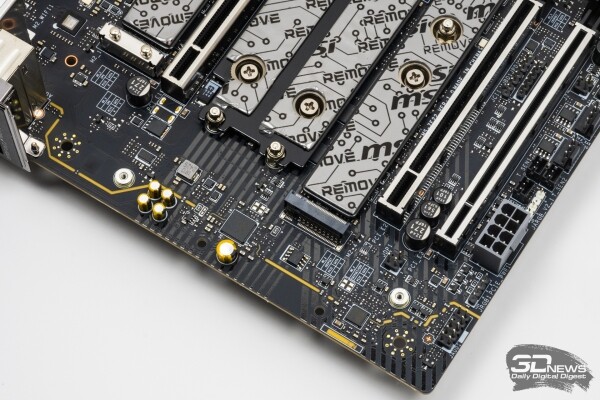
To implement active PC cooling, the board provides eight four-pin fan connectors. One of them is intended for the processor cooler and has an increased power of up to 24 W. Two more special connectors with a power of up to 36 W are allocated for pumps. The remaining connectors have a maximum power of 12 W. Any of these connectors allows you to monitor the fan speed and regulate them both via PWM and "head-on", with voltage.
The MEG Z890 Ace can also offer advanced capabilities for creating an RGB extravaganza in the system. You can connect a 12V RGB strip up to 2 m long to the board, as well as three devices with controlled ARGB backlighting. And in addition to the above, the board has an EZ Conn connector compatible with the proprietary MSI MPG EZ120 fans, which also have controlled RGB backlighting. There are also luminous elements on the board itself. The RGB LEDs are hidden under the proprietary dragon on the rear panel casing, as well as under the "Ace" inscription on the radiator of the first M.2 slot.
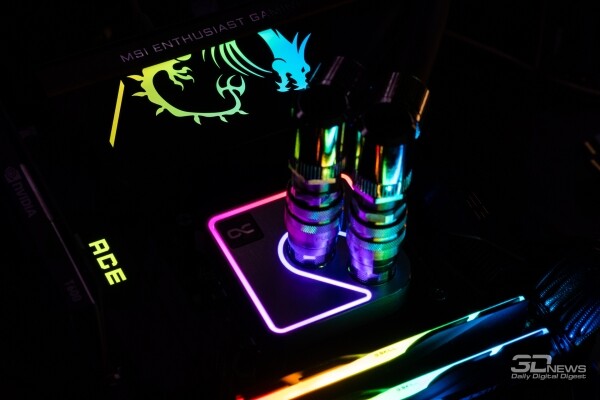
A rather controversial point in the design of the MSI MEG Z890 Ace is that this board assumes the connection of five power cables from the power supply unit. In addition to the standard 24-pin connector and a pair of 8-pin connectors for the processor power converter, the board has two more connectors for power cables. An additional 8-pin connector at the bottom of the board is needed to provide increased appetites of video cards, powerful pumps/fans and RGB lighting. MSI recommends using it if the set of 12-V equipment powered by the board can consume more than 168 W in total (this is how much can be removed from the standard 24-pin connector according to the specification). Another 6-pin power connector is located on the right edge of the board next to the connector of the USB 3.2 Gen 2×2 case port. Here, additional power is used for its own purpose - to provide support for 60-W charging by the USB Type-C port on the front panel of the case. Without this connection, the port's power output will be 27 W at best.
All this means that not all power supplies will be suitable for the MSI MEG Z890 Ace. All of its 8/6-pin power connectors are spread across different points on the board, and to connect them, you will need four separate cables (two 8-pin for the CPU and two 8/6-pin for the GPU), which the power supply must have.
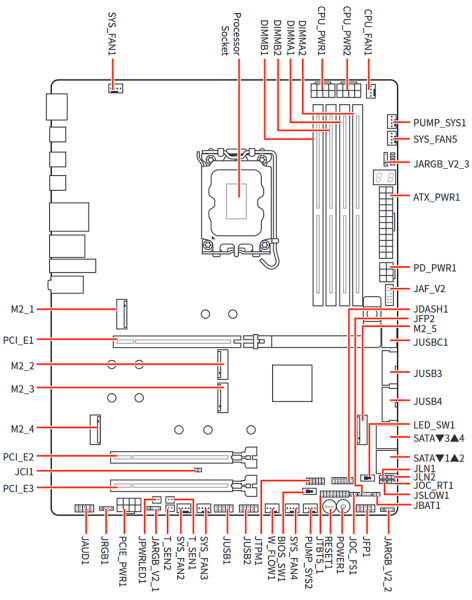
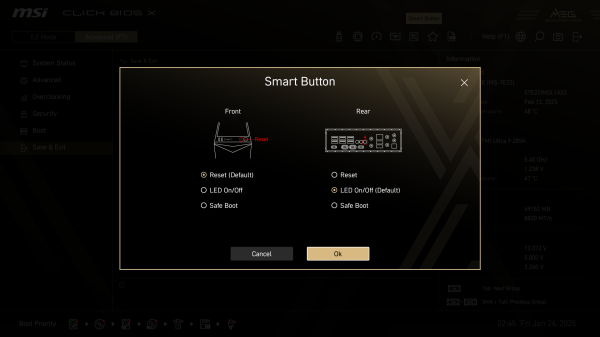
In conclusion, it should be noted that the MSI MEG Z890 Ace compares favorably with more affordable boards not only by its rich characteristics, but also by the presence of a set of tools for those who like to experiment with a PC. Firstly, it has two independent BIOS chips, the choice between which is carried out by a hardware switch. Secondly, the board has power and reset buttons. In addition, three more buttons are located on the back panel of the board - for autonomous firmware update, BIOS reset and a separate button with customizable functionality. Thirdly, MSI has provided MEG Z890 Ace with checkpoints for measuring the main voltages with a multimeter. Fourthly, the board has not only diagnostic LEDs, but also a full-fledged POST code indicator, making it easier to find problems when starting the system. Fifthly, special jumpers are provided for working with nitrogen cooling. And sixthly, the board has an independent Renesas RC26008 clock generator. This external clock generator provides a more accurate BCLK reference signal for processor clocking, and also provides asynchronous clocking of CPU cores and PCIe/DMI buses.
Test system
MSI MEG Z890 Ace was tested in a system consisting of the following set of components:
- Processor: Intel Core Ultra 9 285K (Arrow Lake, 8P+16E cores, 3,7-5,7/3,2-4,6 GHz, 36 MB L3).
- Processor cooler: custom liquid cooler made from EKWB components.
- Motherboard: MSI MEG Z890 Ace (LGA1851, Intel Z890).
- Memory:
- 2 × 16 GB DDR5-7600, 36-46-46-121 (G.Skill Trident Z5 F5-7600J3646G16GX2-TZ5RK);
- 2 × 24 GB DDR5-8800, 42-54-54-148 (XPG Lancer CUDIMM RGB AX5CU8800C4224G-DCLACRSG).
- Video card: GIGABYTE GeForce RTX 4090 Gaming OC (AD102 2235/2535 MHz, 24 GB GDDR6X 21 Gbps).
- Disk subsystem: Intel SSD 760p 2 TB (SSDPEKKW020T8X1).
- Power supply: ASUS ROG-THOR-1200P (80 Plus Titanium, 1200 W).
The tests were performed on the Microsoft operating system. Windows 11 Pro (24H2) Build 26100.2605. To further improve performance, we disabled it in the settings Windows "Virtualization-based security" was enabled and "Hardware-accelerated GPU scheduling" was enabled. The system was using the latest GeForce 566.36 Driver.
MSI MEG Z890 Ace was tested with BIOS version 7E22v1A52 dated February 13, 2024.
BIOS
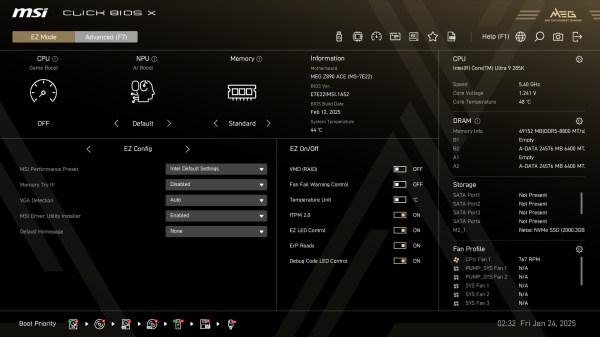
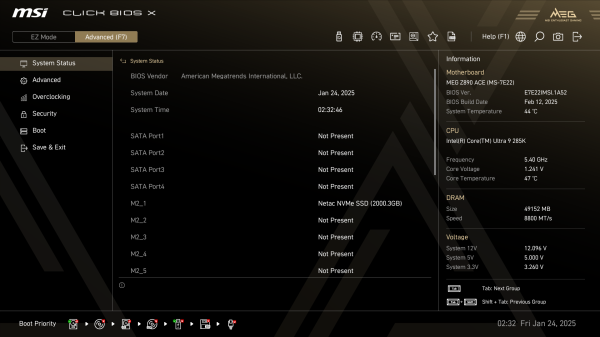
In motherboards on the Z890 and X870 chipsets, MSI has switched to a new version of the UEFI shell — Click BIOS X. It definitely looks better than the old Click BIOS 5 and is more convenient to use, but overall there are not many fundamental changes. The structure and logic of operation have not changed, and those who are accustomed to MSI boards will easily navigate the BIOS of the MEG Z890 Ace in question. One of the most obvious changes is the transition to a new color scheme, which now depends on which series a particular motherboard belongs to. Thus, the BIOS of the MEG Z890 Ace is painted in black and gold tones, echoing the external design of the board itself.
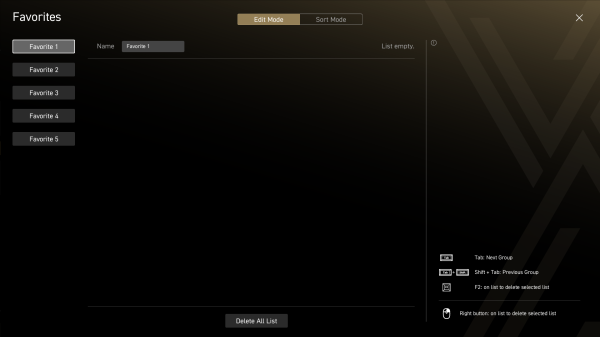
When entering the BIOS, the first thing the user sees is a simplified mode with basic settings. Here, using predefined profiles, you can overclock the CPU, NPU and memory in a few clicks, get acquainted with the hardware configuration of the system and change some important (according to MSI) settings. It is worth noting that the simplified mode page of MSI boards probably has the richest content among all competitors. However, it is unfortunately impossible to edit the composition of the options included in it, as Gigabyte boards allow. But on the other hand, from this page, without going into the advanced BIOS mode, you can get to the settings from the Favorites page in one click, which is filled by the user in the advanced mode.
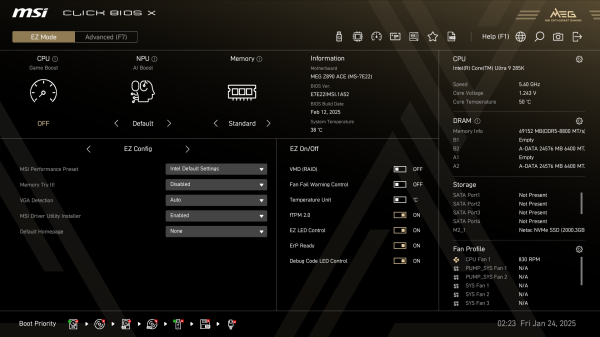
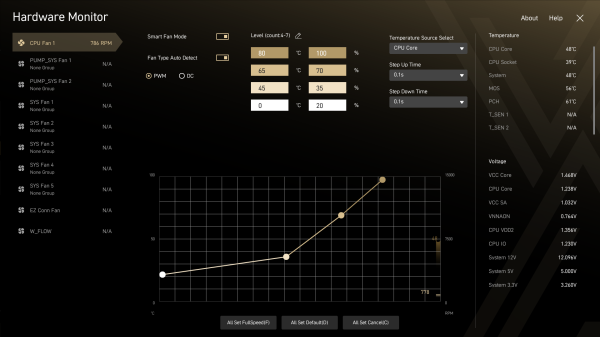
Also from the simplified mode there is access to fan configuration and firmware updates.
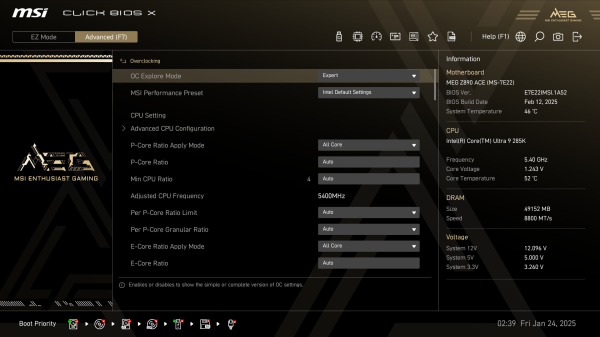
However, experienced users will probably prefer the standard advanced mode, which gives much greater control over system settings. In it, it makes sense to immediately go to the Overclocking section, where the most important options for system optimization are concentrated.
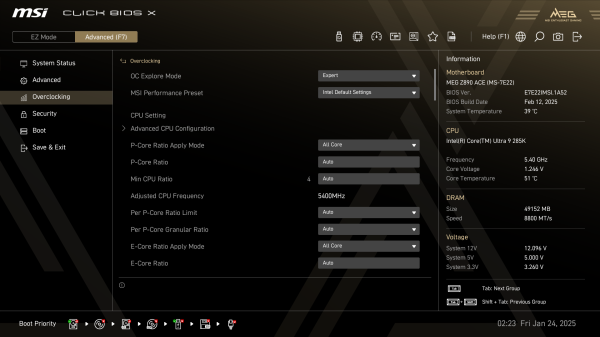
At the same time, for users who are not ready to dive into the depths of overclocking experiments, MSI has provided ready-made presets that allow you to increase performance in a couple of mouse clicks. There are quite a few of these presets:
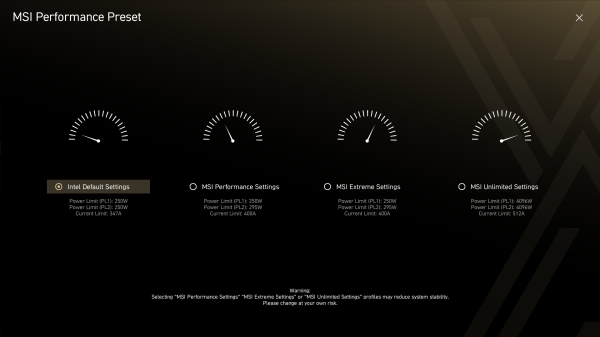
- MSI Performance Preset - four options for relaxing CPU power consumption restrictions.
- Available via the simplified BIOS mode, the CPU Game Boost profile increases the maximum E-core turbo frequency by 200 MHz.
- Memory Try It! — primary memory timing profiles for different DDR5 modes to replace XMP profiles.
- Memory Extension Mode - aggressive settings for secondary timings, aimed primarily at increasing the tREFI (refresh interval) latency.
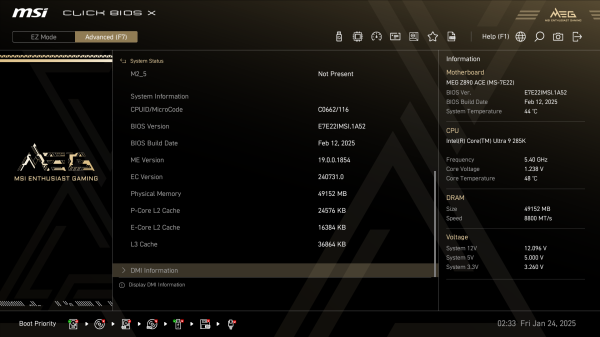
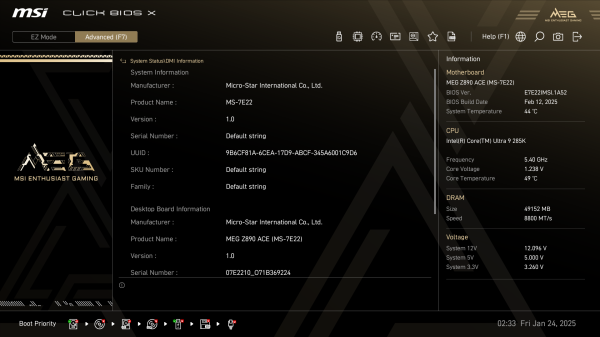
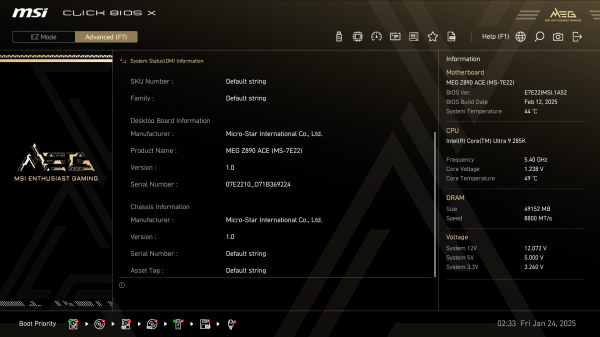
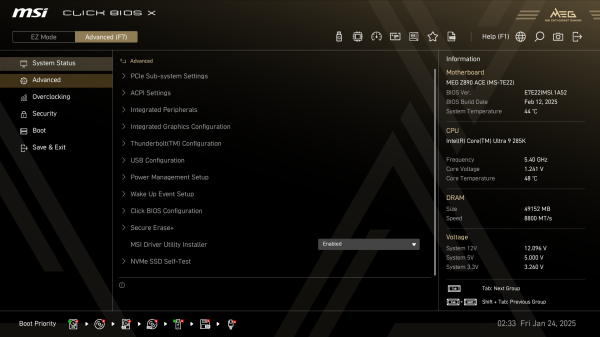
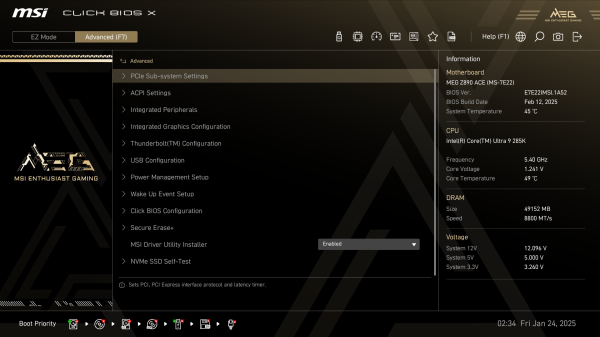
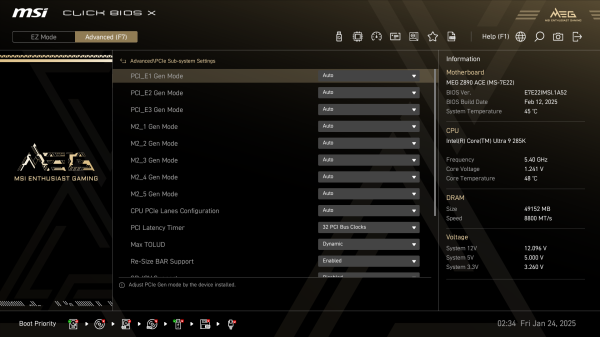
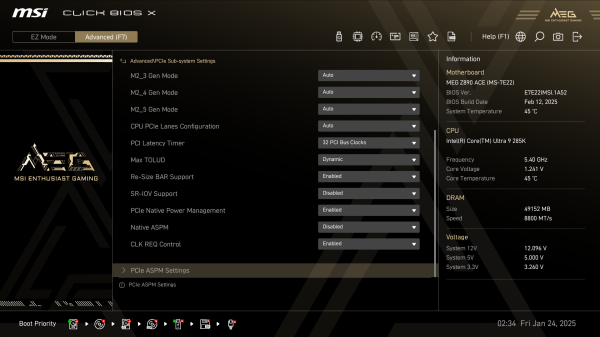
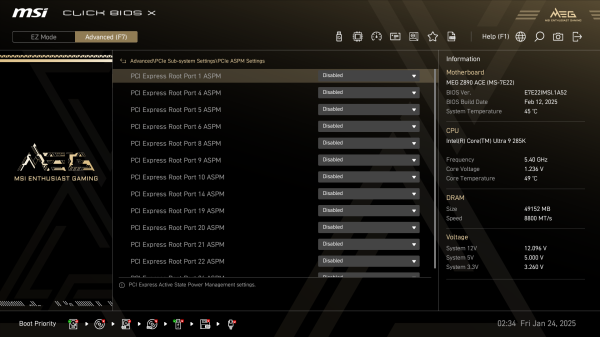
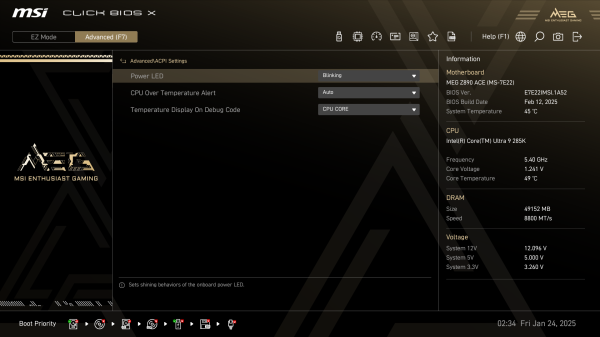
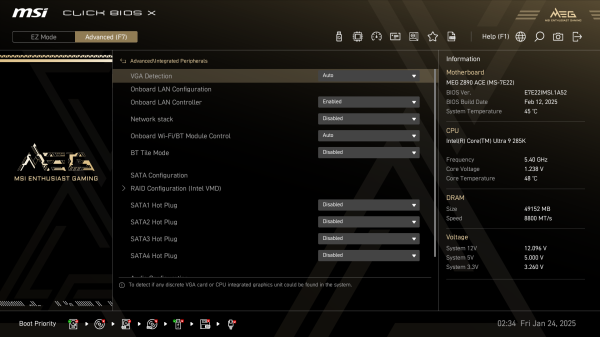
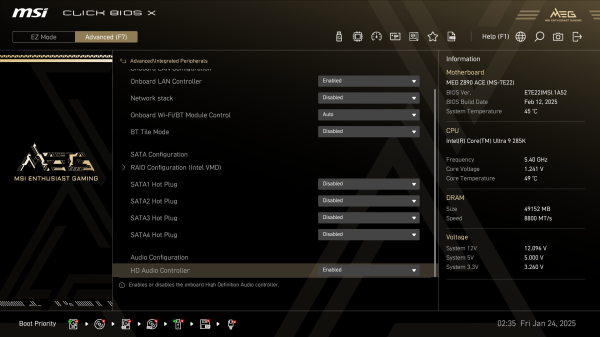
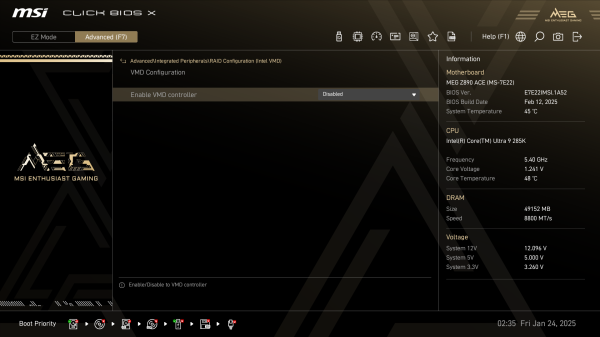
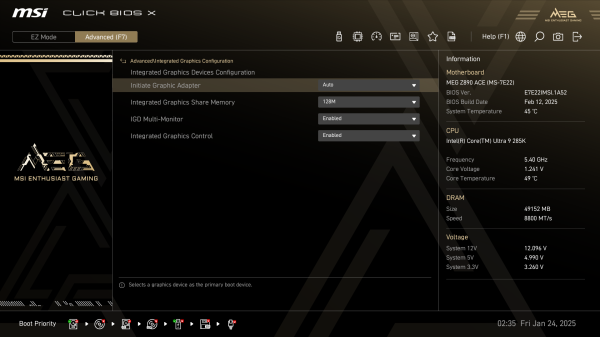
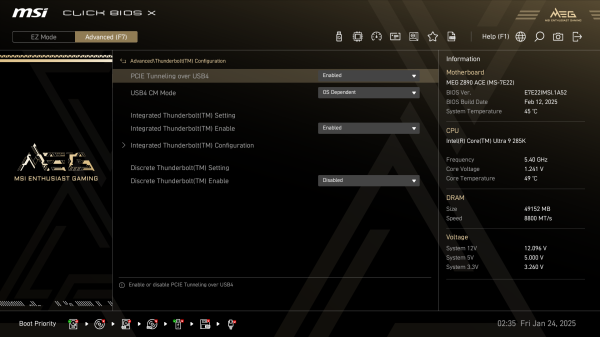
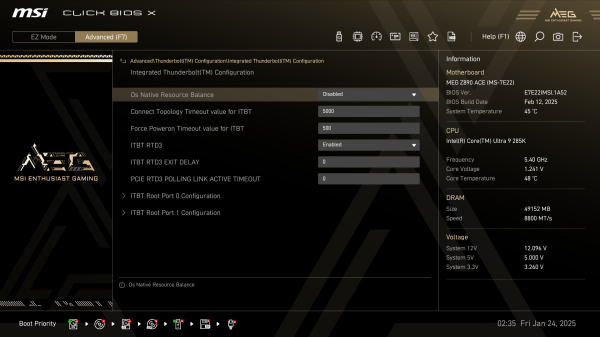
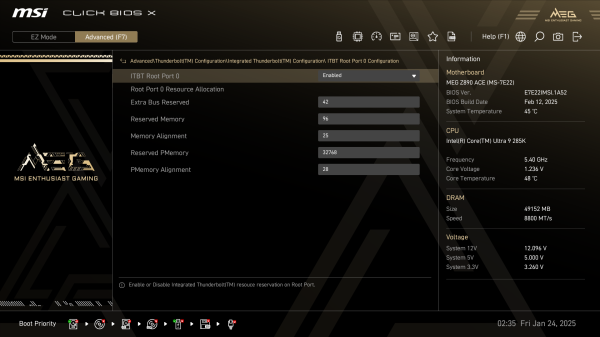
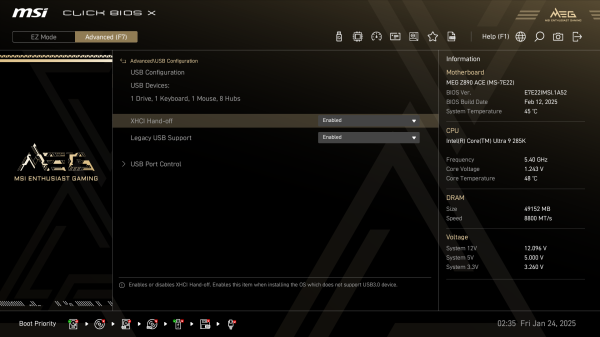
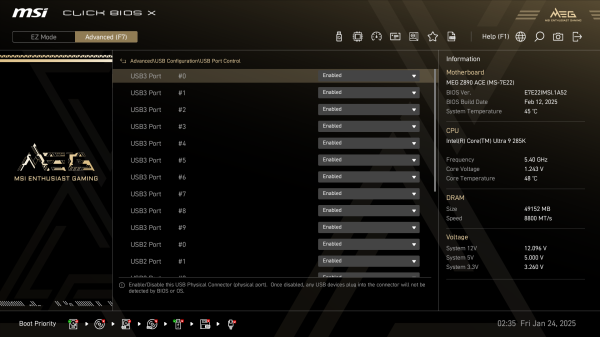
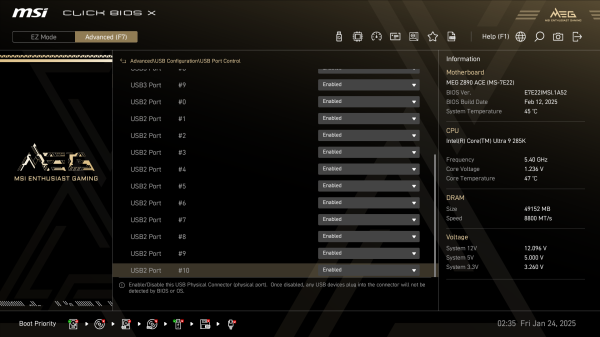
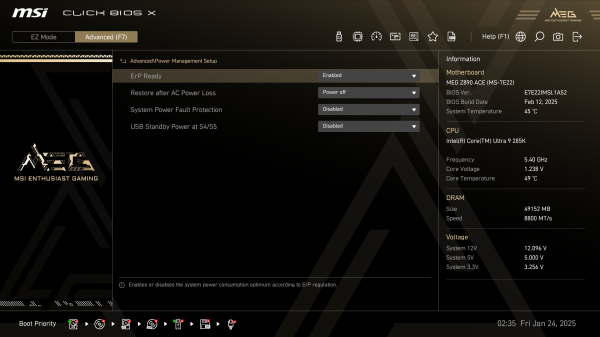
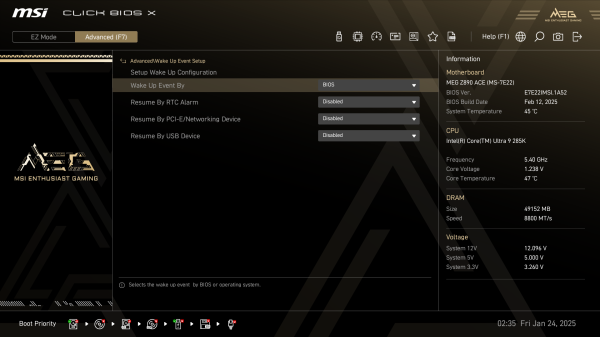
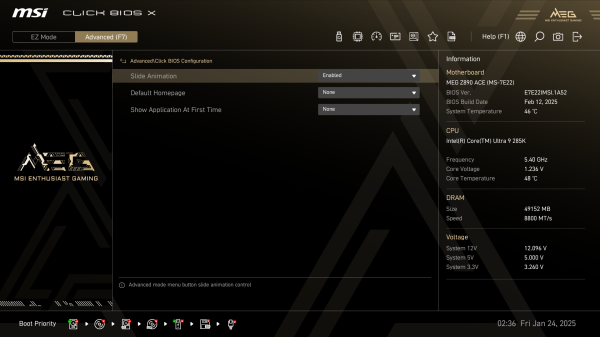
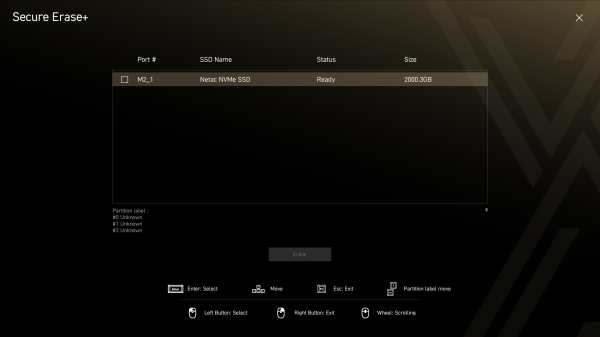
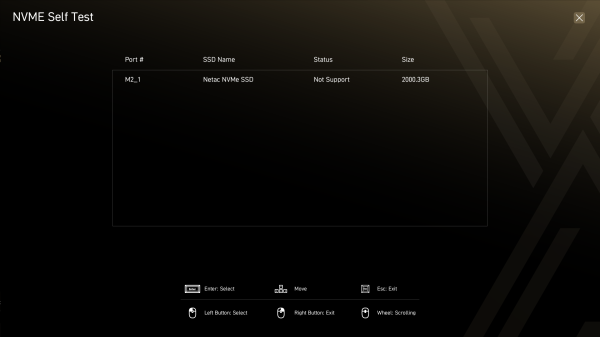
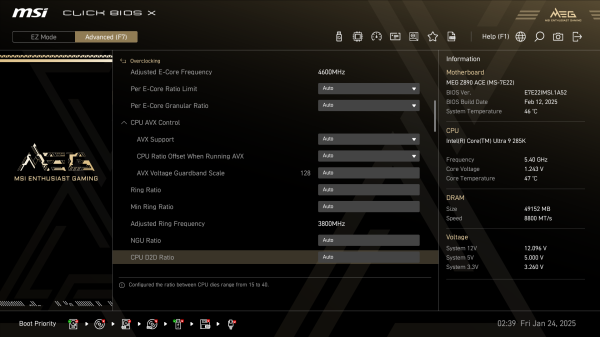
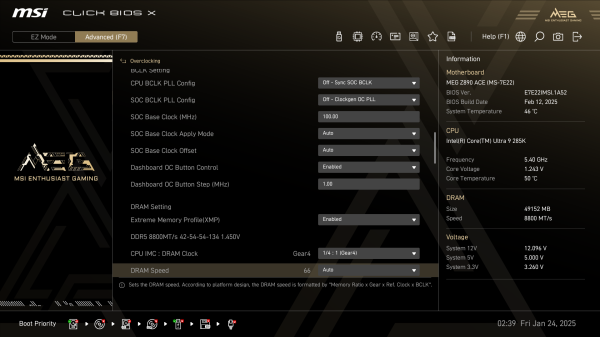
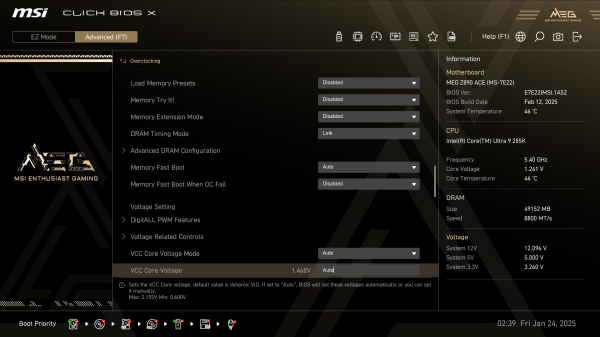
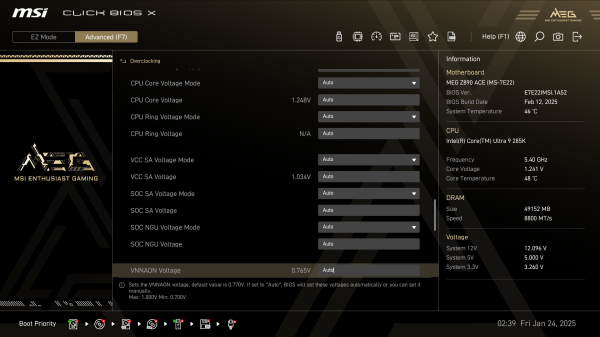
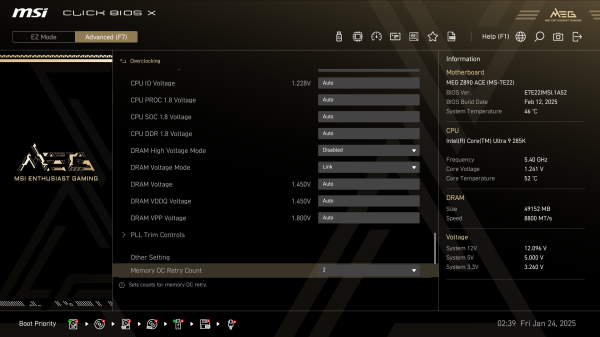
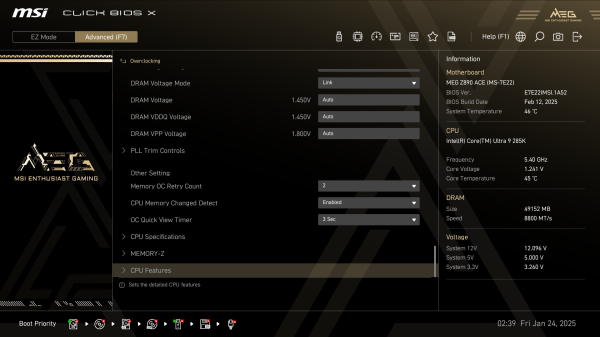
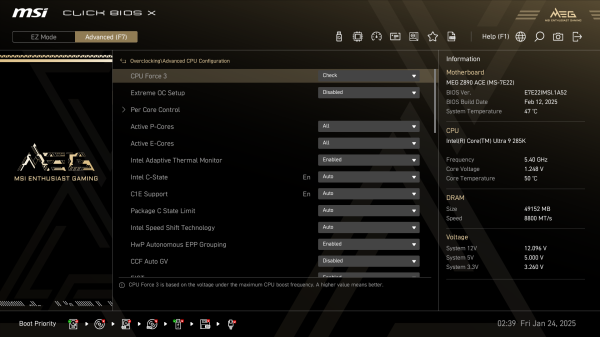
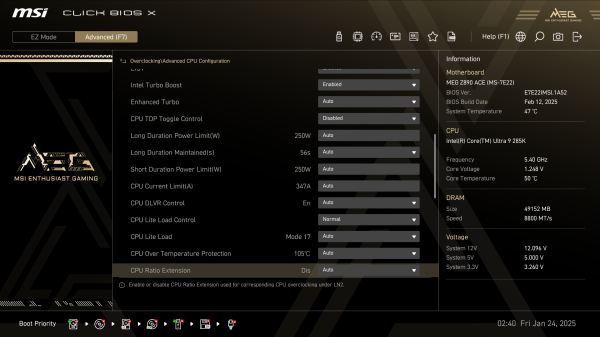
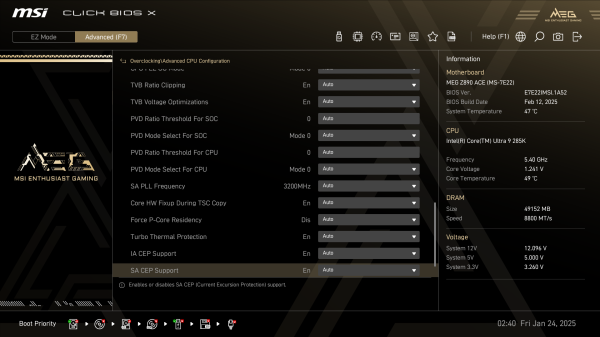
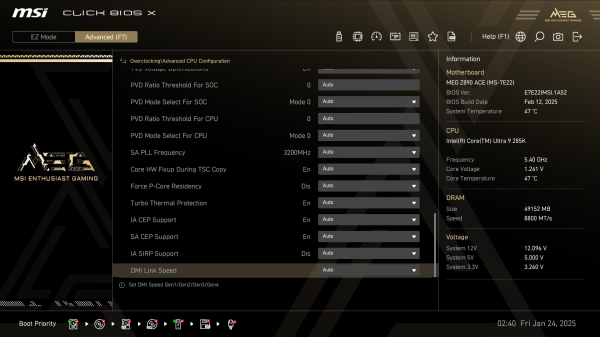
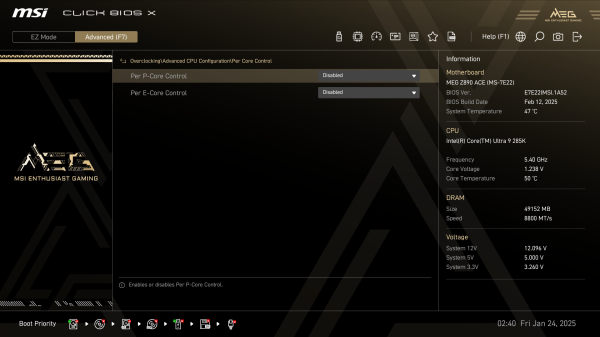
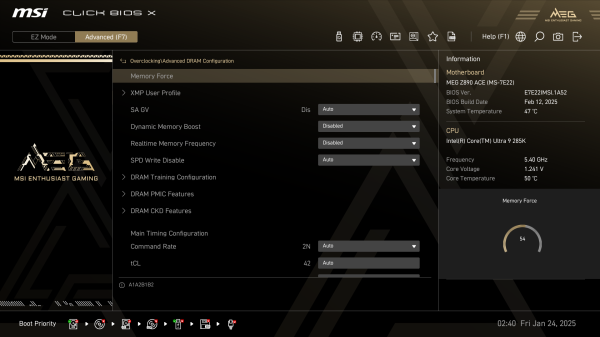
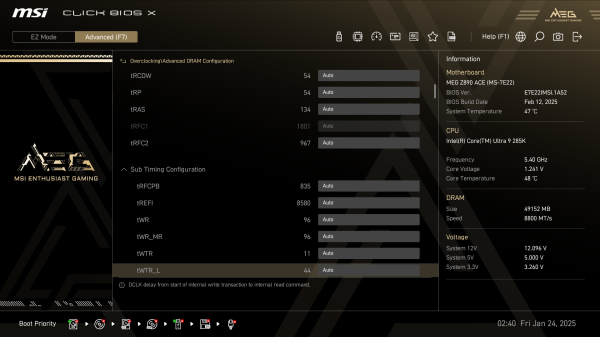
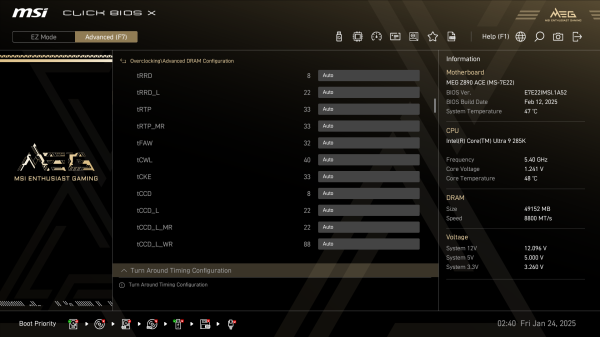
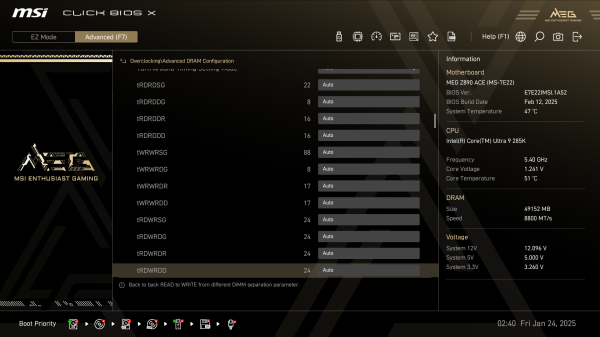
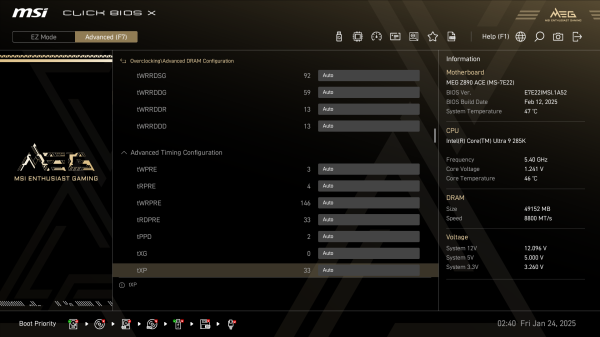
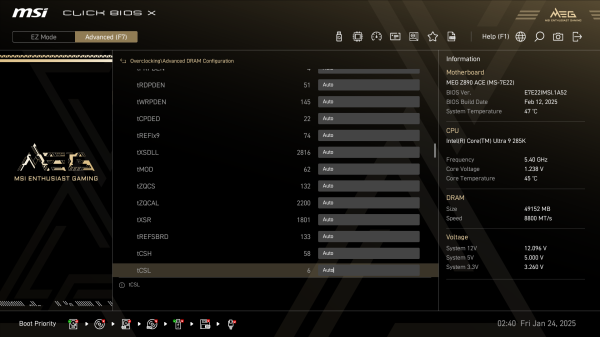
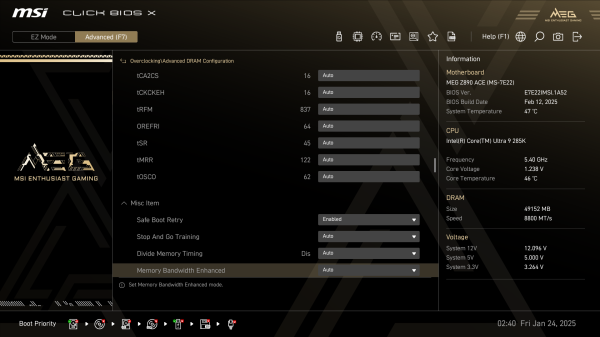
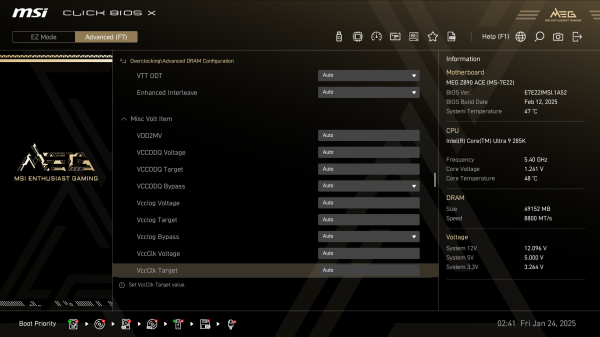
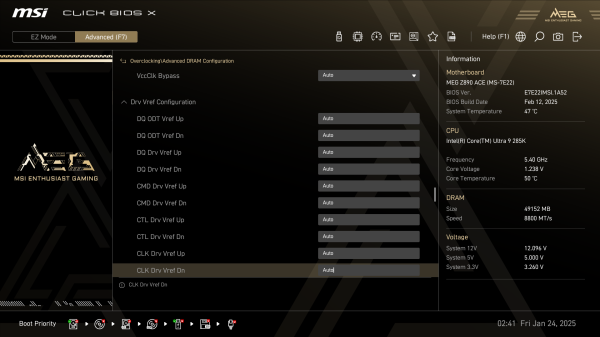
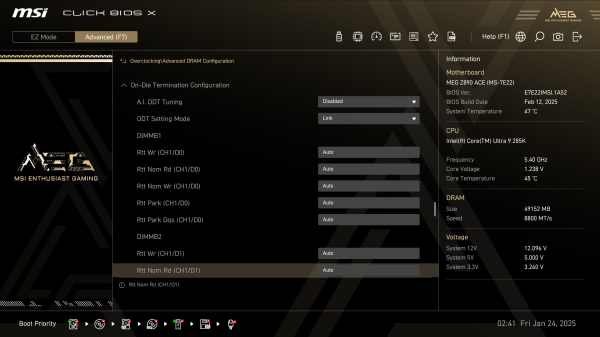
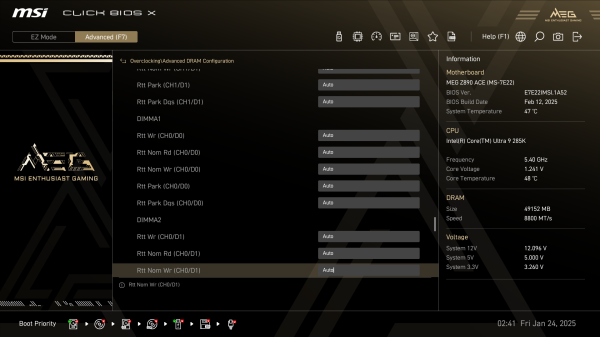
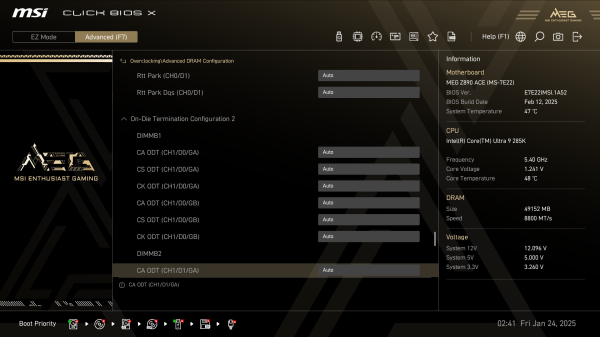
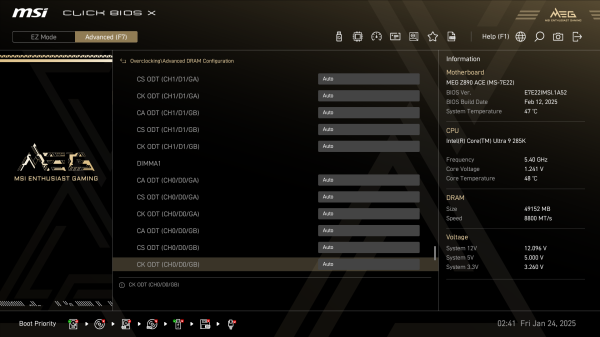
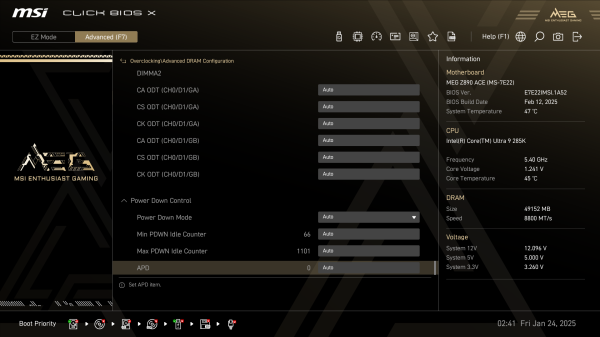
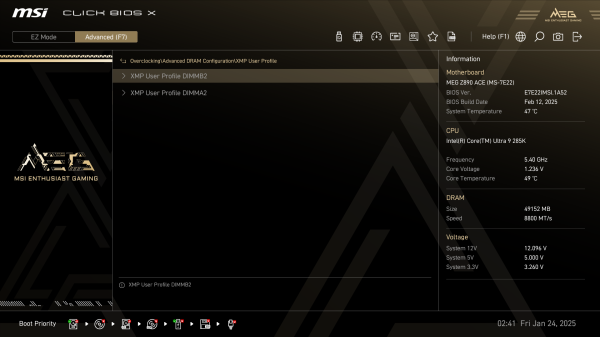
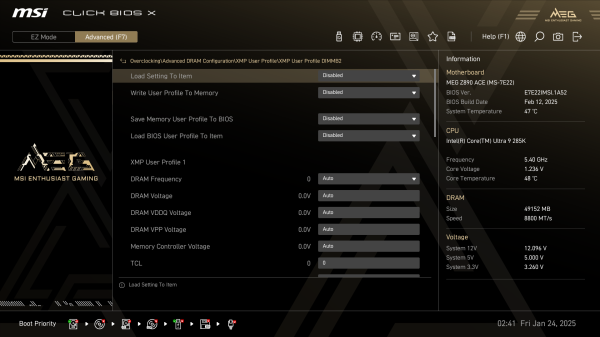
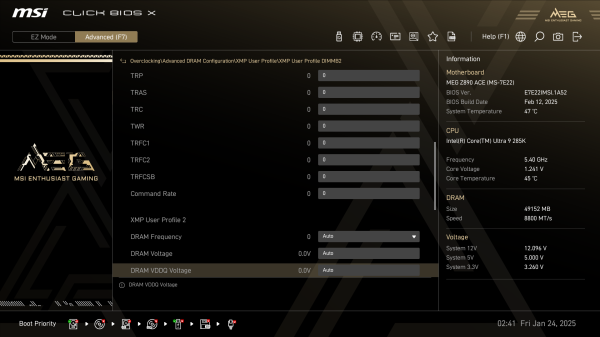
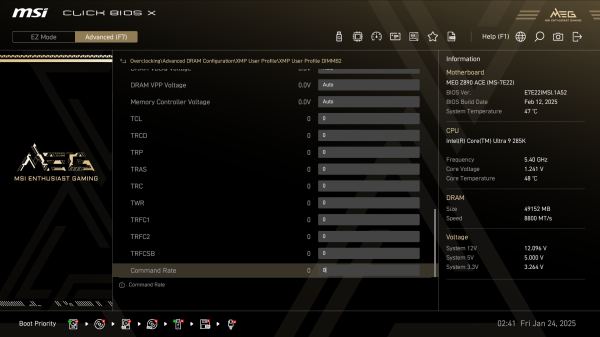
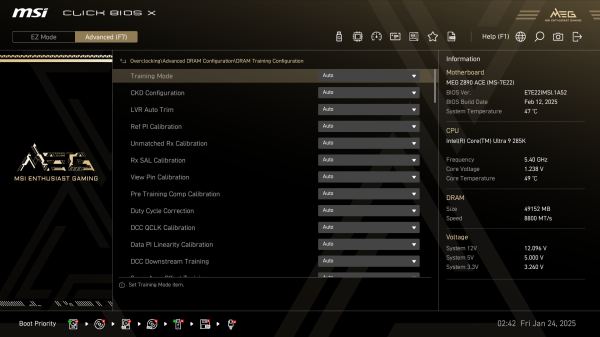
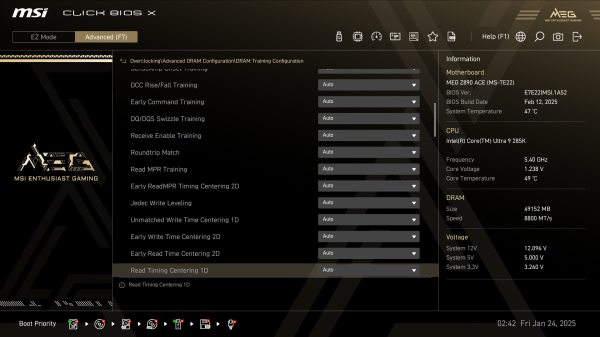
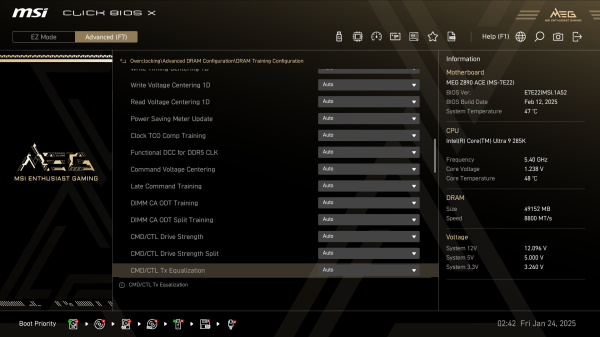
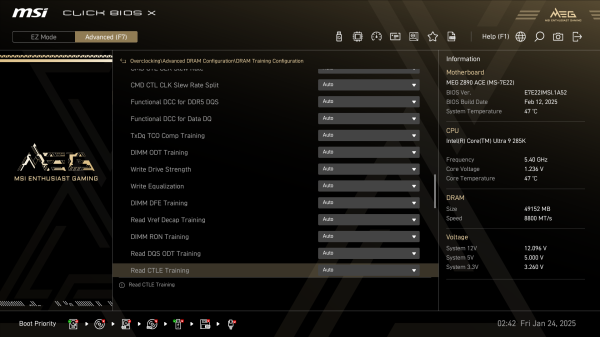
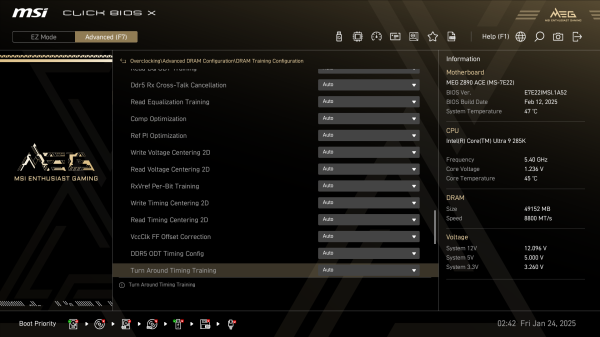
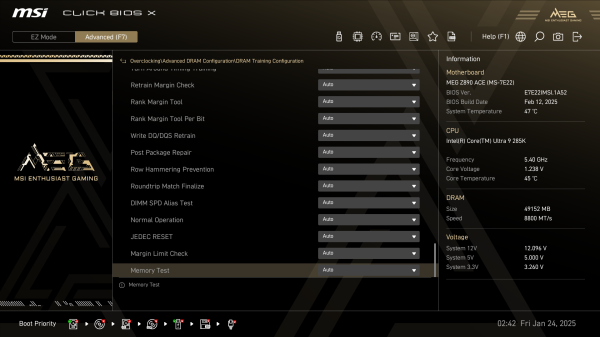
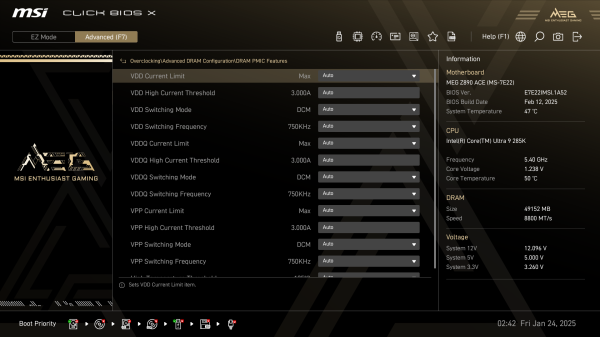
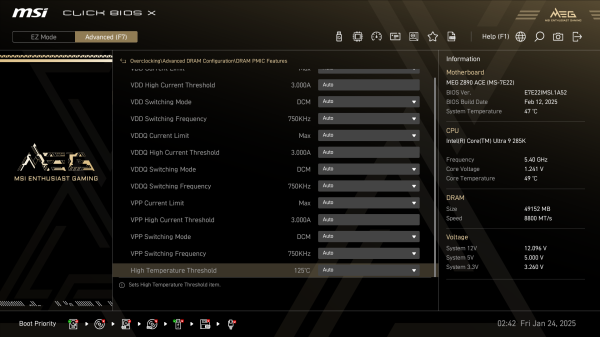
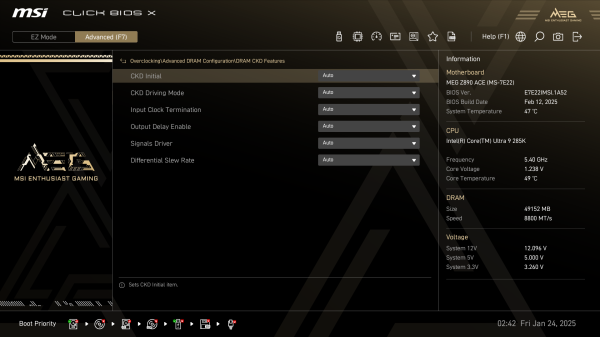
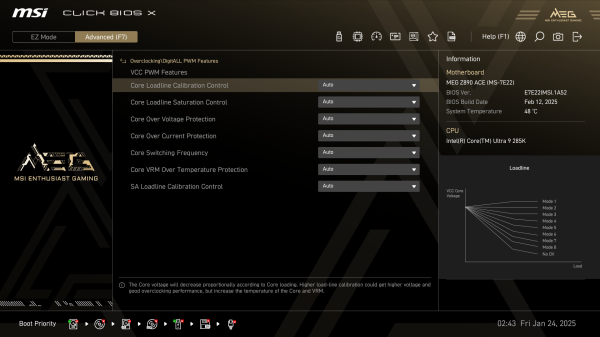
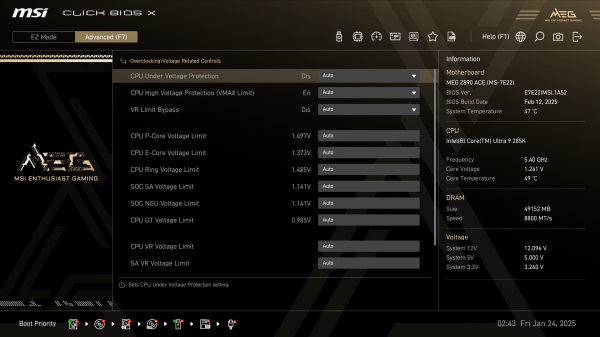
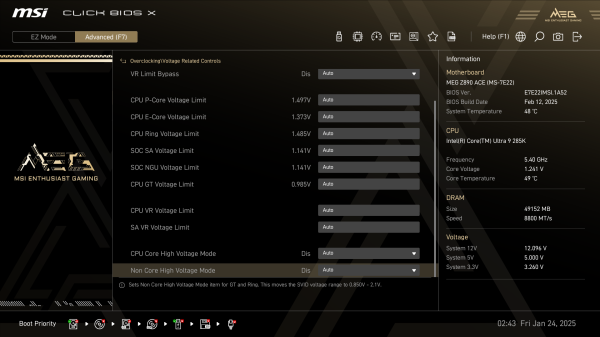
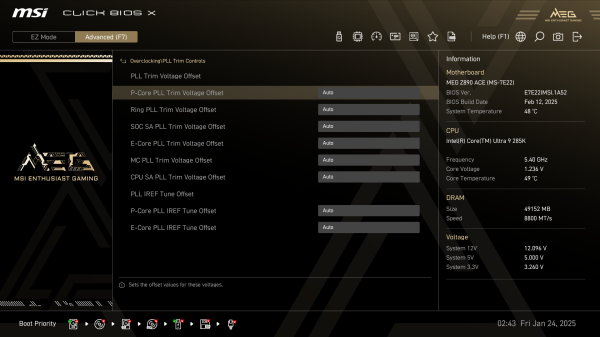
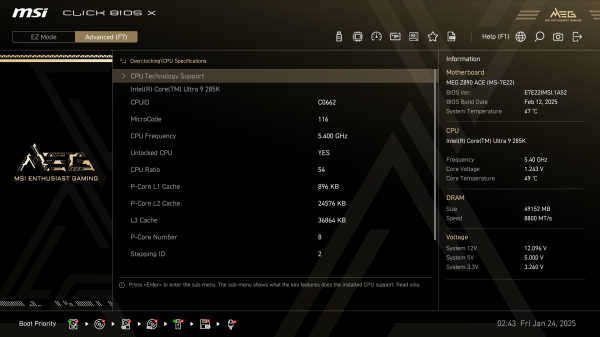
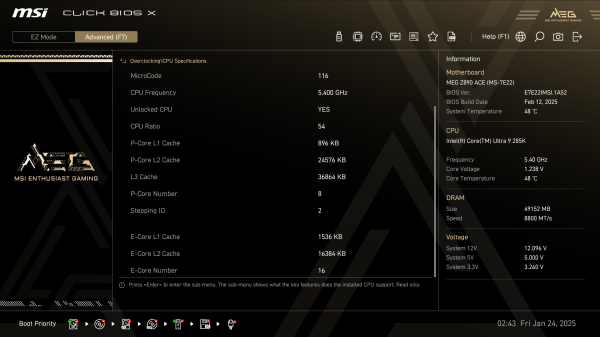
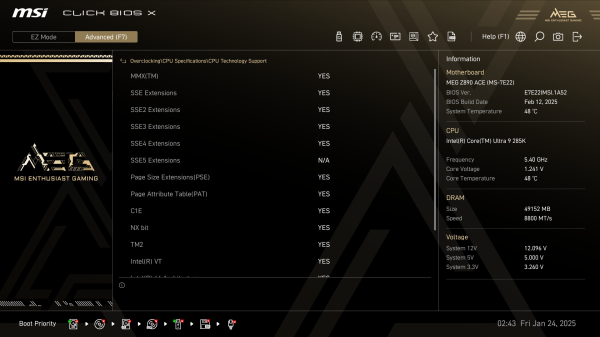
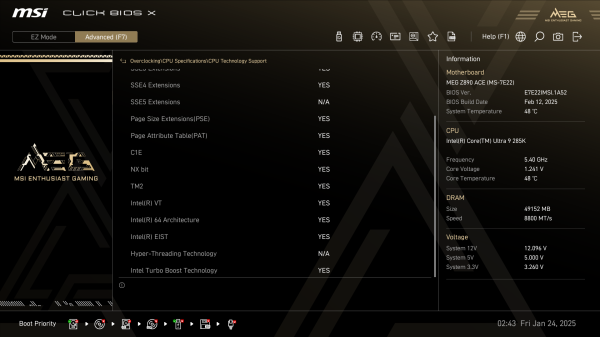
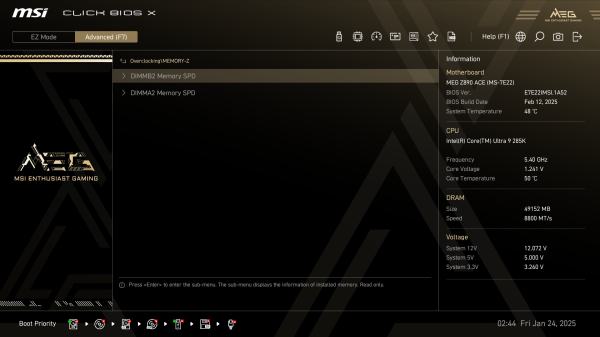
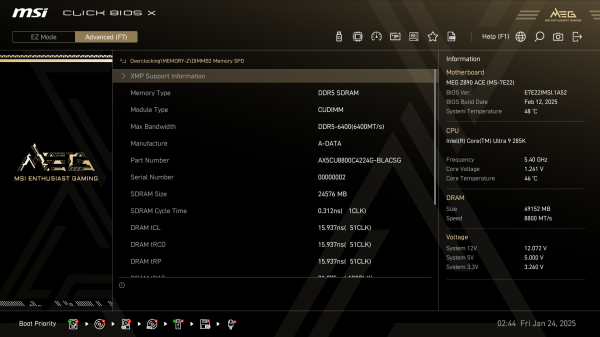
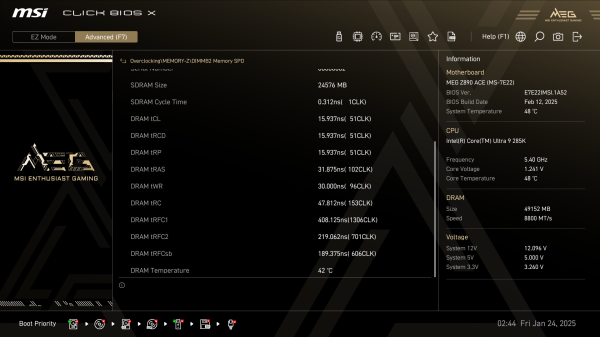
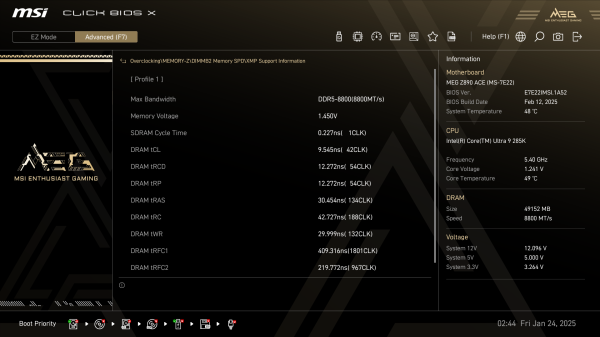
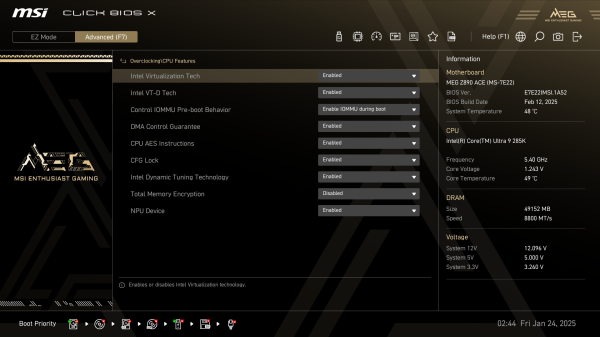
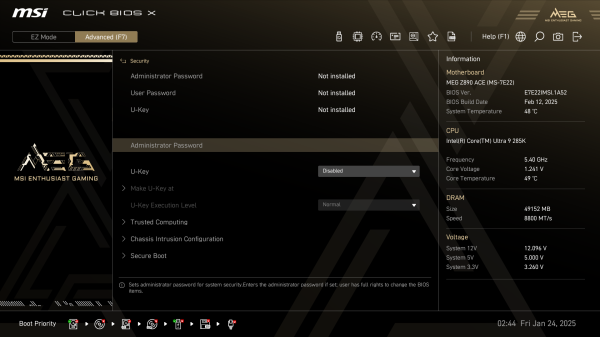
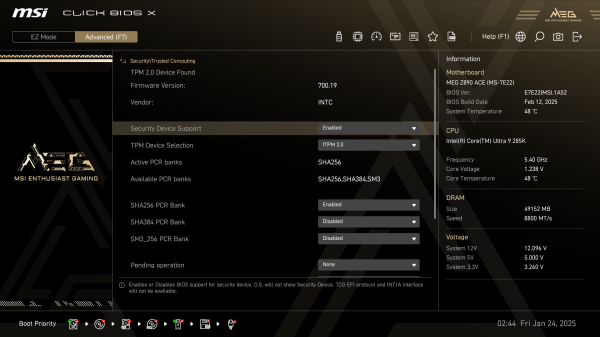
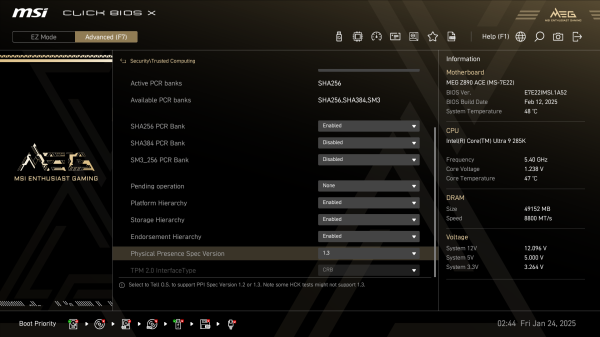
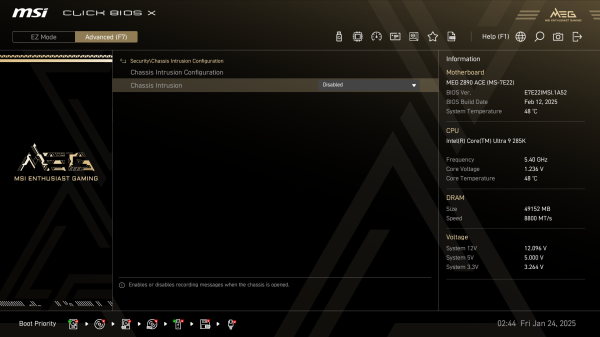
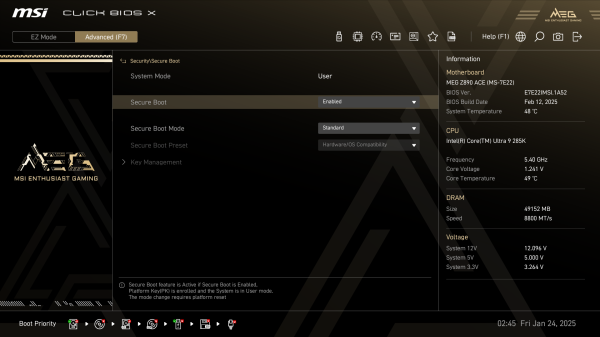
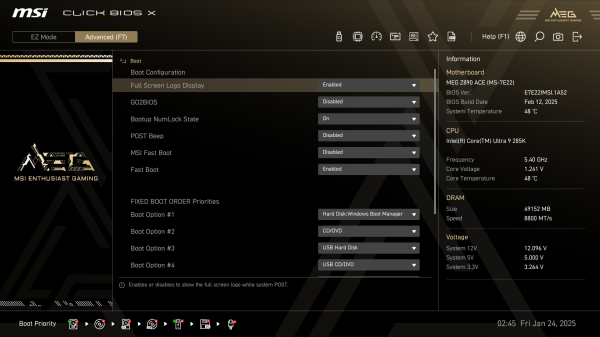
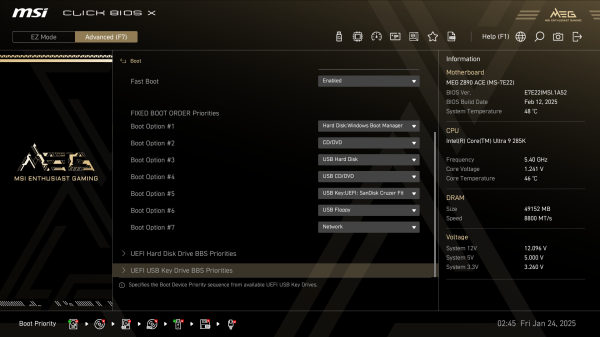
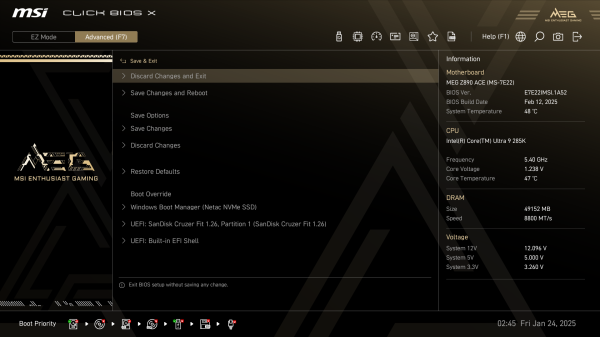
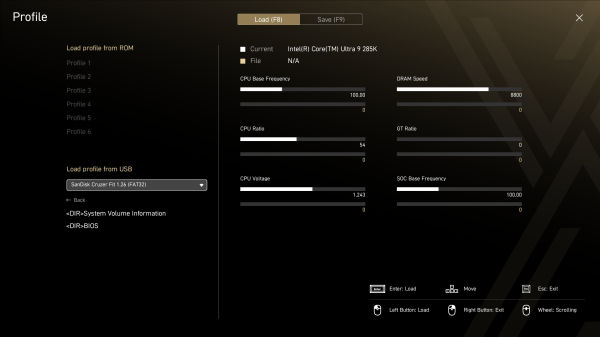
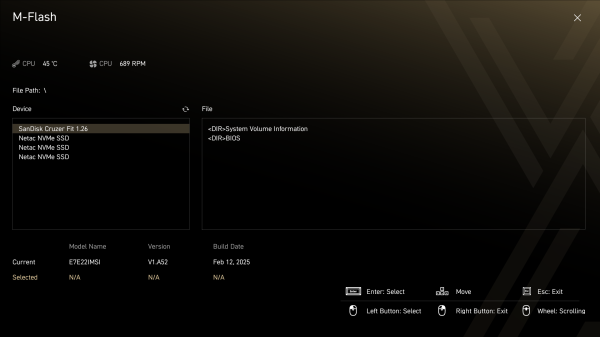
You can see a more detailed list of settings available in the BIOS of the board in question using the screenshot gallery.
Source: 3dnews.ru

