

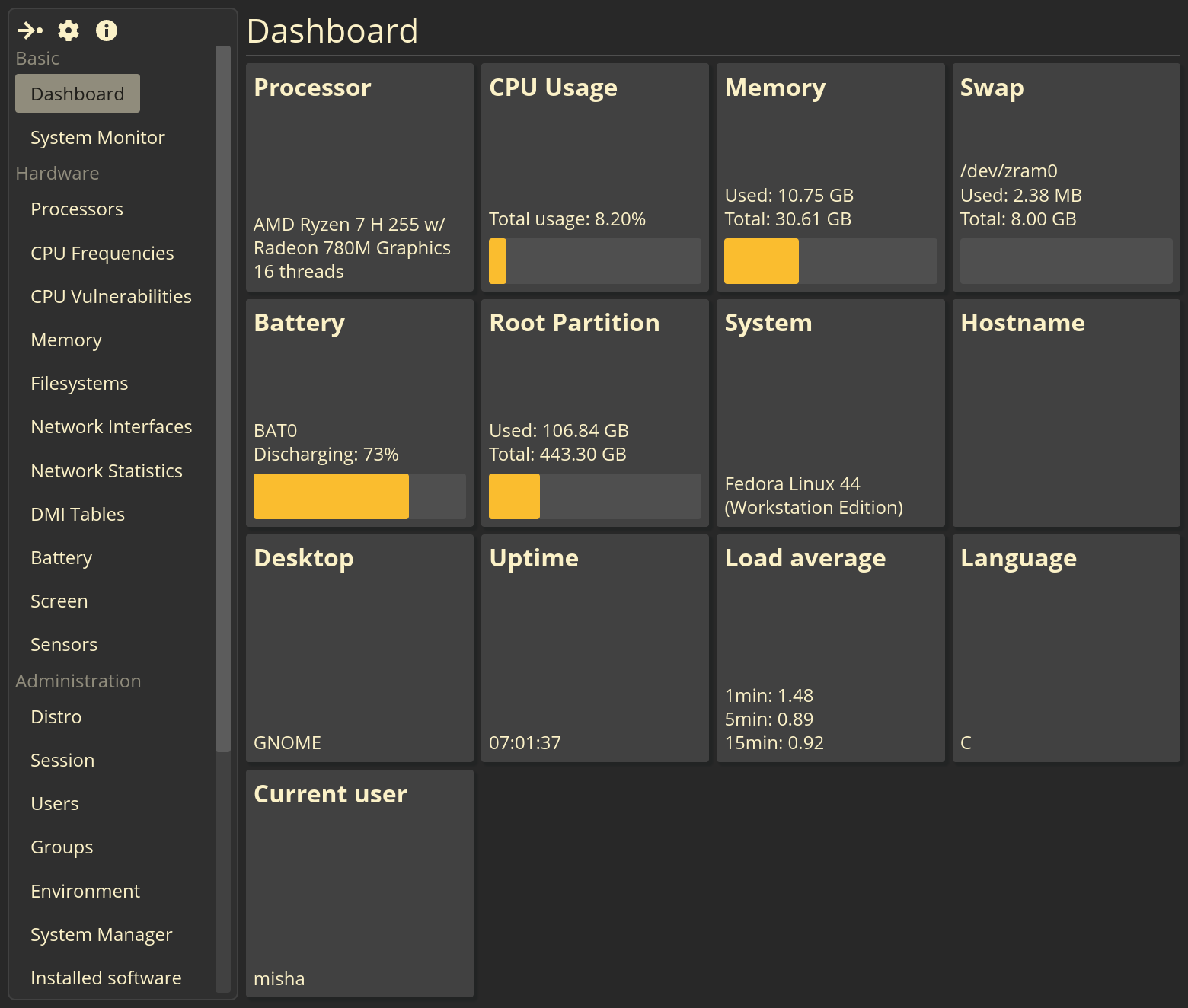
The other day, a corrective version of FSM v0.7.0 was released. FSM (github.com) — a program for displaying basic information about a computer and the installed system, independent of the specific working environment.
Capabilities
Displays the following information:
- About hardware:
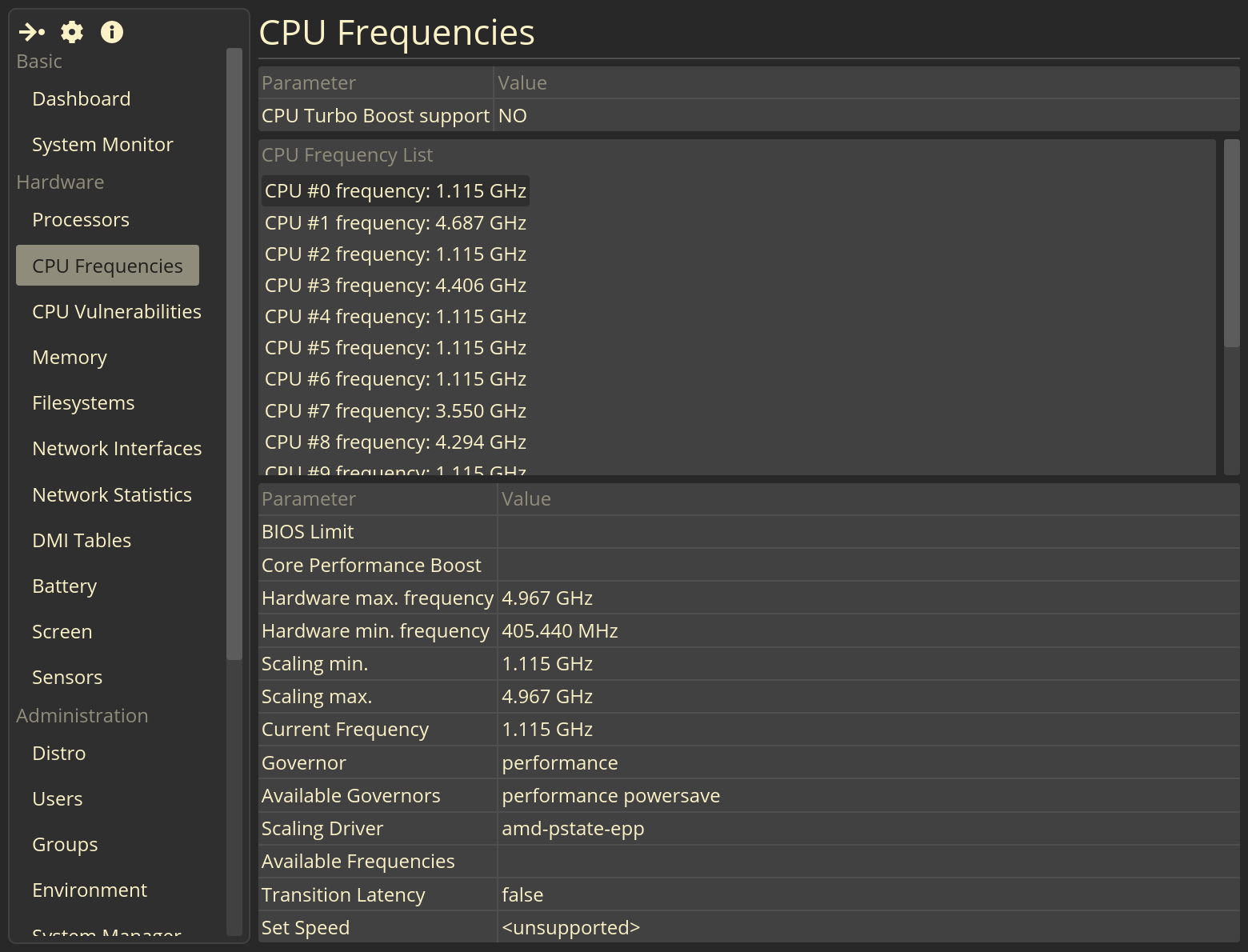
- processor name and model, flags, list of vulnerabilities, frequencies;
- memory and swap usage;
- mounted file systems;
- some DMI tables (0, 2, 3, 4);
- Laptop battery;
- EDID;
- list of network interfaces and statistics for each of them;
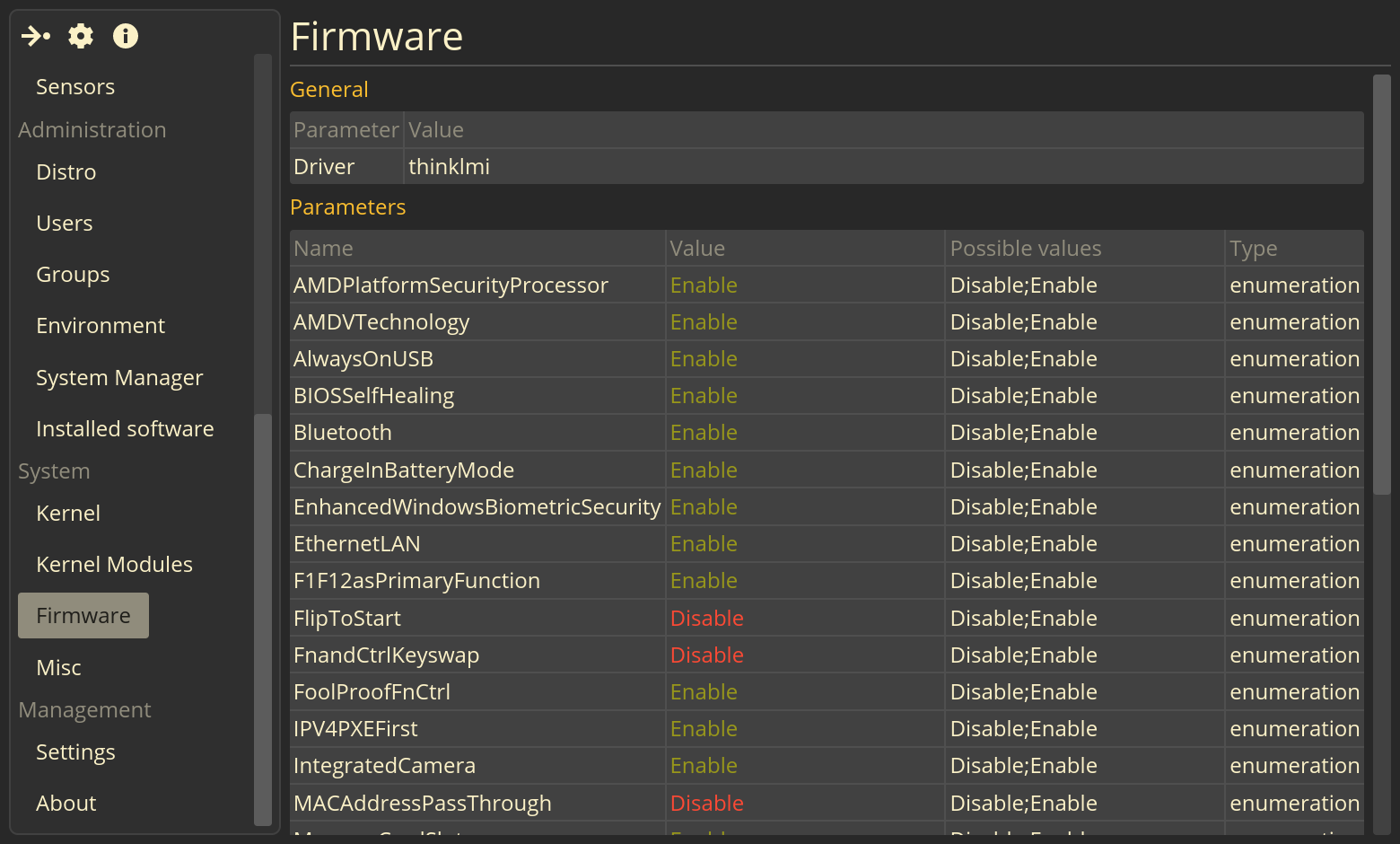
- UEFI settings (should work on newer Lenovo ThinkBook and ThinkPad models, but in theory will work on other PCs as well if the information is present in /sys/class/firmware-attributes);
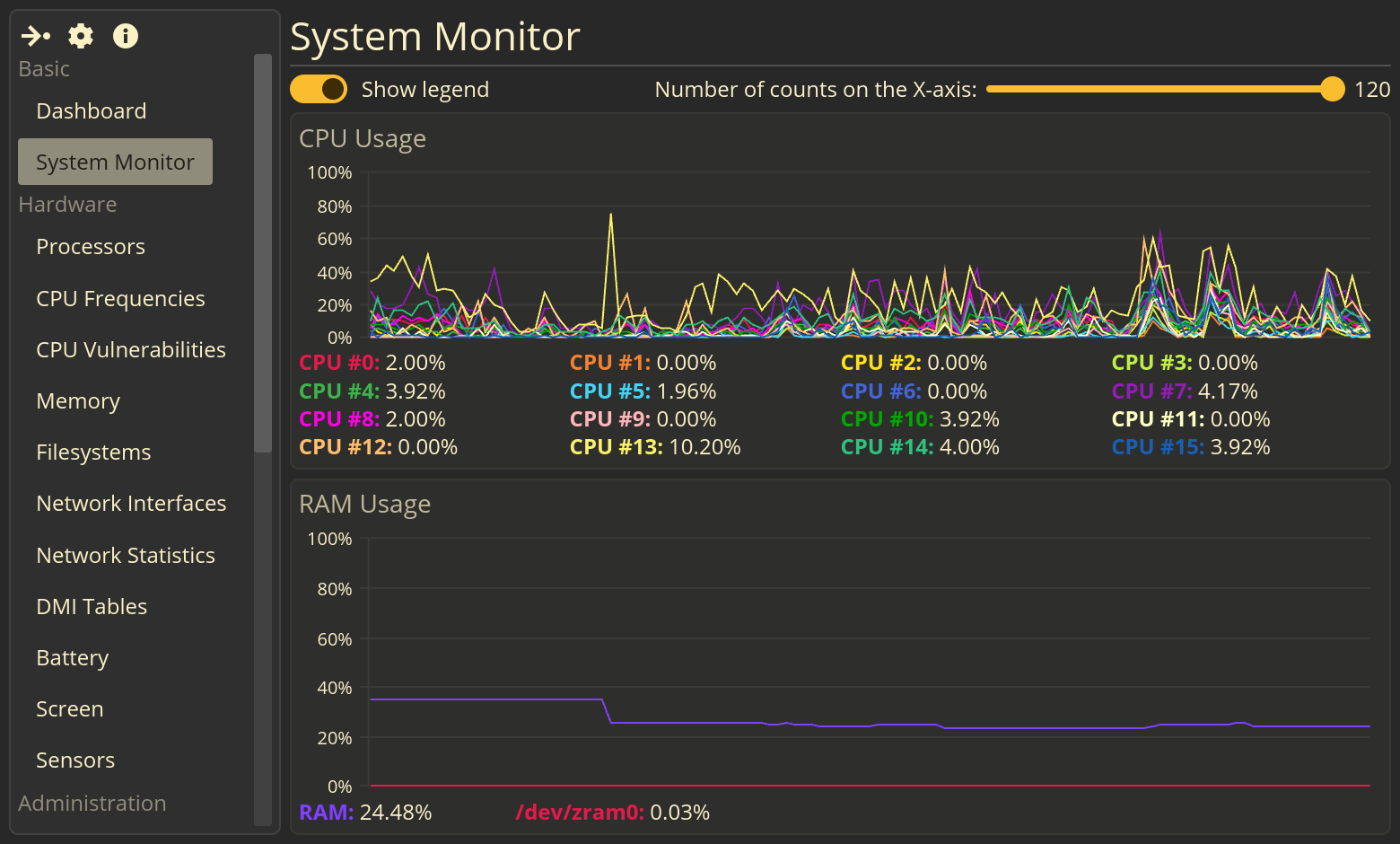
- CPU and RAM usage graphs.
- About the system:
- information about the installed distribution, list of users and groups;
- list of systemd services;
- version, architecture, kernel boot arguments Linux, list of its modules;
- environment information: list of variables, host name and current user, name of the working environment used, name and version of the command interpreter used, uptime, average load used to run FSM locale.
List of changes in v0.7.0
This release is primarily dedicated to experiments with code architecture, but new functionality is also added.
Added by:
- The fields "Command Interpreter", "Current User" and "Machine ID" have been added to the "Misc" page;
- The Network Statistics page has been added;
- added the "Firmware" page;
- The “Charging Types” field has been added to the “Battery” page;
- Added AppImage package build (currently only for amd64).
Changed:
- redesign of the pages “Screen”, “About the program”, “CPU frequencies”;
- Fixed the detection of HTTPS links in tables - now you can click on them to open them in a standard browser;
- Fixed incorrect display of data in the list of kernel modules.
TO DO:
- add data collection from equipment sensors;
- list of connected PCI and USB devices;
- complete the Resources and Session pages;
- data export (plain text, json, xml).
I'm working on this program mostly for myself and in my free time. I don't claim that all the functionality is implemented correctly, nor that it works, although everything works for me. Criticism and bug reports are welcome. welcome.
The program is being compiled for Debian (amd64, i686, aarch64; the work was tested only on amd64), there is also an AppImage package for now only for the amd64 architecture.
Source: linux.org.ru
