

After two years of development, Pinta 3.0, an open-source raster graphics editor, has been released. It was founded in 2010 as an attempt to create a simpler alternative to Paint.NET written using GTK. The editor is aimed at beginners and provides a basic set of features for drawing and image processing. The interface is simplified where possible. The editor supports an unlimited undo buffer, allows working with multiple layers, and is equipped with a set of tools for applying various effects and adjusting images. Pinta's code is distributed under the MIT license. The project is written in C# using Mono and the GTK# framework. Binary builds are available for Linux (Flatpak, Snap), macOS и Windows.
In the new version:
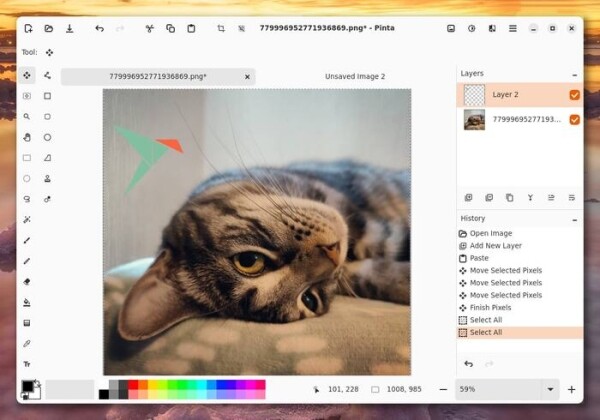
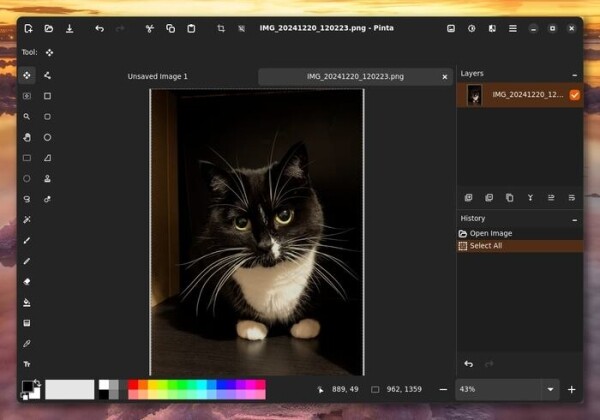
- The interface has been redesigned and optimized, and has been moved to use the GTK4 and libadwaita libraries. The changes affected both the appearance, which has been redesigned in accordance with the GNOME HIG (GNOME Human Interface Guidelines), and the image editing process, which has become more obvious to users with experience working with common proprietary graphics packages.

- On the platform Linux Client-side window decoration has been enabled, allowing the toolbar and menu to be moved to the window title bar. The menu is divided into three sections, accessible via different buttons in the upper-right corner of the window. Adaptive interface layout is now enabled, dynamically changing the layout of elements in the window depending on the screen size and orientation. Integration with user environments has been improved. macOS и Windows.
- A new set of symbolic pictograms is proposed.
- A switch between light and dark themes has been added to the menu. The theme can also be selected depending on whether the light and dark modes are enabled in the system.
- Performance optimizations have been made to improve the responsiveness of the interface.
- Improved support for gesture controls, such as the ability to pinch to zoom on trackpads.
- The built-in screenshot tool now supports the XDG Screenshot portal, which provides access to the screen when the program is launched in isolated mode. Wayland support has been improved.
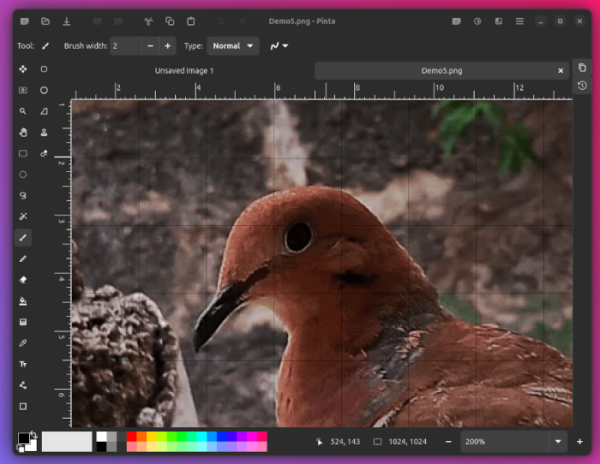
- A new implementation of a grid for aligning image elements is proposed, allowing for changes in the size of cells.
- Added the ability to hide the right toolbar, which allows you to free up additional horizontal space for the image being edited. The left and top panels automatically adapt depending on the window size, for example, when the window is reduced, the tools are hidden and regrouped into two columns.

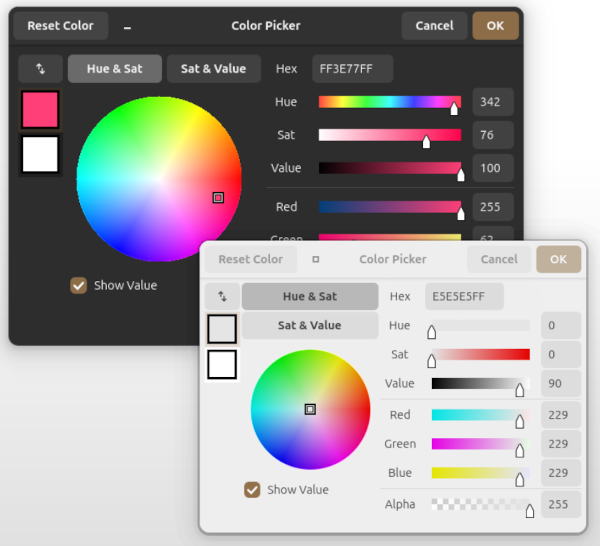
- The color selection interface has been redesigned and is now available in two modes - full and compact. It is possible to change the RGB and HSV color components, as well as transparency. Recently selected colors are saved in a separate palette.

- Improved keyboard controls, for example, the ability to change the brush size with the '[' and ']' keys has been added.
- The 'Edit' menu now has an 'Offset Selection' option for changing the size of the selected area using sliders.
- Added a layer merging warning when attempting to save a multi-layer image to single-layer formats such as PNG and WEBP.
- The text tool has improved compatibility with the IME (Input Method Editor) input system.
- The Curves tool now has a solid line creation mode.
- The Stamp tool now preserves offsets between strokes.
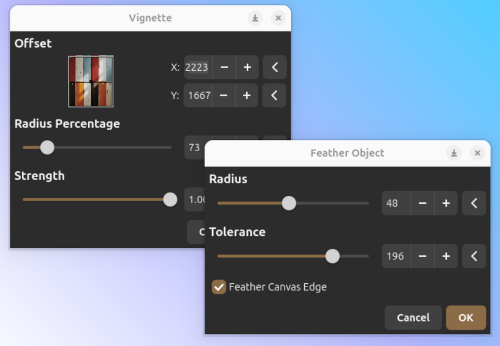
- New effects have been added: Dithering (reduces color depth for a vintage look), Voronoi Diagram (geometric patterns), Object Blur (smooths edges), Object Outline (adds borders around text and shapes), Object Alignment (precise object positioning). The fractal and cloud effects now support defining your own gradients.

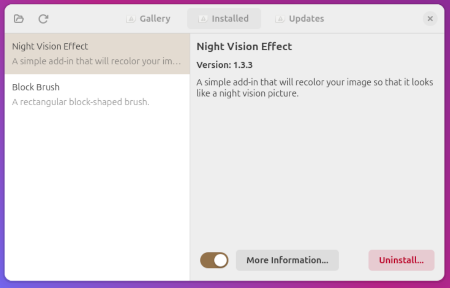
- Support for add-ons that allow you to add additional effects and formats has been restored.

- Added the ability to scale using the nearest neighbor interpolation algorithm.
- Added support for export in PPM format.
- This now requires at least .NET 8.0 to run.
Source: opennet.ru

